
Create Simpsons Characters From Your Photos Instantly
Want to create Simpsons characters of yourself? This guide shows you how to use AI to turn any photo into a Springfield-style avatar in just a few clicks.
Ever wondered what you'd look like as a character on The Simpsons? It's easier than you think. You can now create a Simpsons character straight from your own photos using an AI tool like Tooncraft, which nails that iconic yellow art style in just a few seconds.
This guide will walk you through everything, from picking the right photo to generating your very own Springfield resident.
Welcome to Springfield: Your Guide to Becoming a Character
The Simpsons' art style is so much more than just yellow skin and overbites—it's a massive piece of pop culture. For decades, fans have pictured themselves grabbing a Duff at Moe's or a Squishee at the Kwik-E-Mart. That daydream is no longer just a fantasy.
Thanks to AI, becoming a Springfield local is something anyone can do. You don’t need any artistic talent or complicated software. Just a photo and a few clicks.
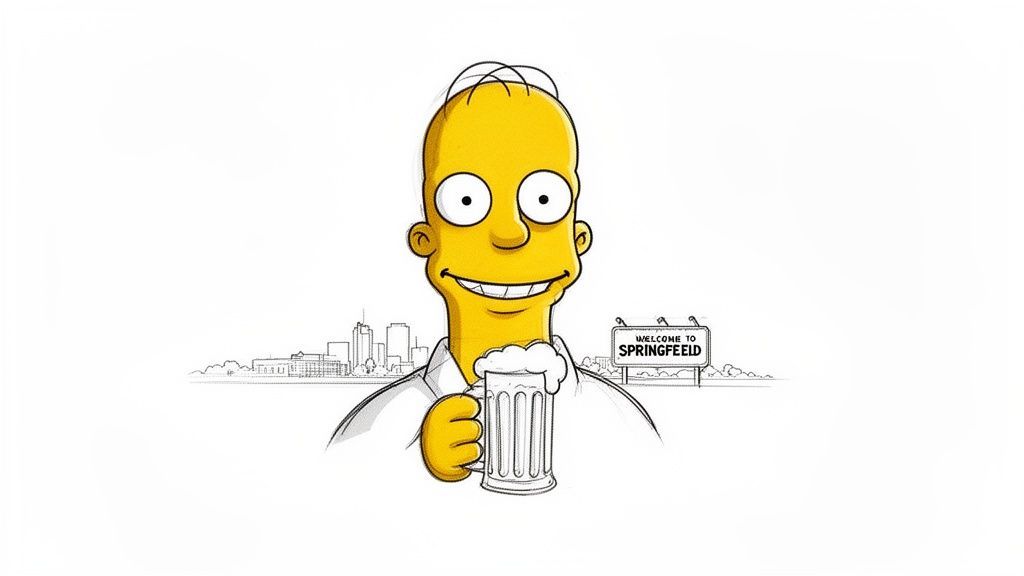
This kind of image perfectly captures that fun-loving, classic vibe of the show, which is exactly what tools like Tooncraft help you recreate. It's that mix of nostalgia and personalization that makes turning yourself into a cartoon so compelling.
Why the Simpsons Style Endures
Let's face it, the show's look is recognized instantly, anywhere in the world. Its simple, expressive, and slightly goofy designs have kept it fresh for decades. That’s why turning yourself into a Simpsons character is so much fun—it connects you to a shared cultural inside joke.
When you make your own character, you're not just doodling; you're joining a legacy. The style is perfect because it gives you:
- Instant Recognition: There's no mistaking that look.
- Humorous Expression: It’s practically designed for exaggerated, funny features.
- Creative Freedom: It makes for a fantastic avatar, a unique gift, or a hilarious new profile picture.
The real magic of The Simpsons is how it feels both timeless and deeply personal. When you create your own character, you're stepping into that world and carving out your own little piece of Springfield.
From a Quick Sketch to an AI Masterpiece
The history of The Simpsons is a story of lightning-fast creativity. Back in the late 1980s, creator Matt Groening famously sketched out the entire Simpson family in just 15 minutes while waiting for a meeting. Fast forward to today, and the show has been on the air for over 35 seasons, making it the longest-running scripted primetime series ever.
Now, with an AI tool like Tooncraft, you can generate a character in seconds. It’s a pretty amazing reflection of how far technology has come. You can dive deeper into the show's incredible journey and history if you're curious.
Think of this guide as your complete walkthrough. I’ll show you exactly how to use Tooncraft to get that authentic Springfield look, from choosing the best photos to tweaking the AI's results. By the end, you'll know how to create a whole cast of characters based on yourself, your friends, and your family. Let's bring your yellow-skinned alter ego to life.
Choosing The Right Photo For Your AI Transformation
The magic of turning yourself into a Springfield resident doesn't start with some complicated setting or a secret prompt. It all comes down to the photo you feed the AI. Think of your source image as the blueprint for your cartoon self. If that blueprint is sharp, clear, and easy to read, the AI can work wonders. But if it's blurry, dark, or cluttered? You'll end up with a less-than-stellar result.
It's the classic "garbage in, garbage out" scenario. A high-resolution photo simply gives the algorithm more data to play with, letting it nail the unique shapes and lines of your face. This is absolutely key if you want to create a Simpsons character that actually looks like you, not just some generic yellow person.
The Makings of a Perfect Source Photo
Before you even think about uploading, run through a quick mental checklist. Your main goal is to give the AI the clearest possible look at your facial features. Little things that our eyes might glance over can make a massive difference to an algorithm.
Here's what I always look for:
- Good lighting is your best friend. Try to avoid photos with harsh shadows slicing across your face or intense backlighting that turns you into a silhouette. Natural, even light from the front is the gold standard. It lights up your features without creating any confusing dark patches for the AI to misinterpret.
- A clear shot of your face is non-negotiable. This means ditching the sunglasses, skipping hats that cast shadows, and keeping your hands away from your face. The AI needs to see your eyes, nose, and mouth clearly to translate them into that iconic Simpsons style.
- Keep the background simple. A busy background—whether it's a crowded room or a chaotic landscape—can distract the AI. A plain wall or an uncluttered outdoor setting is perfect because it keeps the focus right where it needs to be: on you.
What to Upload and What to Avoid
Let's make this super practical. A well-lit headshot where you're facing the camera with a simple, natural smile? That’s the gold standard. It’s straightforward and gives the AI a perfect canvas to work from.
On the flip side, a photo from the side, a low-angle selfie, or a shot with a wild, over-the-top expression can be problematic. While they might be fun photos, they can warp your features in a way that leads to a less recognizable cartoon. For your first go, I always recommend sticking with a classic, forward-facing portrait to get a solid baseline result you can build on later.
Pro Tip: Whatever you do, don't use blurry or pixelated images. Even a slightly out-of-focus photo can result in a cartoon with muddy, undefined features. A sharp, clear image is easily the most important ingredient for a great transformation.
To help you sift through your camera roll, I've put together a quick checklist. This table is your cheat sheet for picking a photo that will give you the best possible Simpsons-style character.
Photo Selection Checklist for Best Simpsons AI Results
| Image Quality | What to Look For | What to Avoid |
|---|---|---|
| Resolution | High-quality, clear, and in-focus images. | Low-resolution, blurry, or pixelated photos. |
| Lighting | Bright, even lighting that shows your face clearly. | Heavy shadows, backlighting, or dim environments. |
| Pose & Angle | Facing forward, looking directly at the camera. | Side profiles, extreme angles, or obscured faces. |
| Expression | A neutral expression or a simple, natural smile. | Exaggerated expressions or open-mouthed laughter. |
| Obstructions | A full view of your face. | Sunglasses, hats with brims, or hands on your face. |
| Background | Plain, simple, and uncluttered backgrounds. | Busy scenes with multiple people or distracting objects. |
Keep this table in mind, and you'll be well on your way to creating an AI character that looks fantastic. A great starting photo really does set you up for success.
Bringing Your Character to Life with Tooncraft's Simpsons Generator
Alright, this is where the magic happens. Let's fire up Tooncraft and walk through creating your very own Springfield resident. I'll guide you through the whole process, from picking the style to fine-tuning the details, so you can nail it on your first attempt.
When you first open up the generator, you'll see a whole library of awesome styles. It's tempting to explore, but we're on a mission. Look for that unmistakable, bright-yellow "Simpsons" style. A quick scroll or search should find it. Just give it a click, and you've told the AI exactly what you want.
From Photo Upload to Fine-Tuning
With the style locked in, it’s time to introduce the AI to your photo. Find the upload button and select that fantastic, well-lit picture you prepared earlier. Tooncraft gets to work fast, prepping your image for its cartoon transformation.
Getting this first part right is crucial. A great photo gives the AI the best possible chance to create something that actually looks like you.
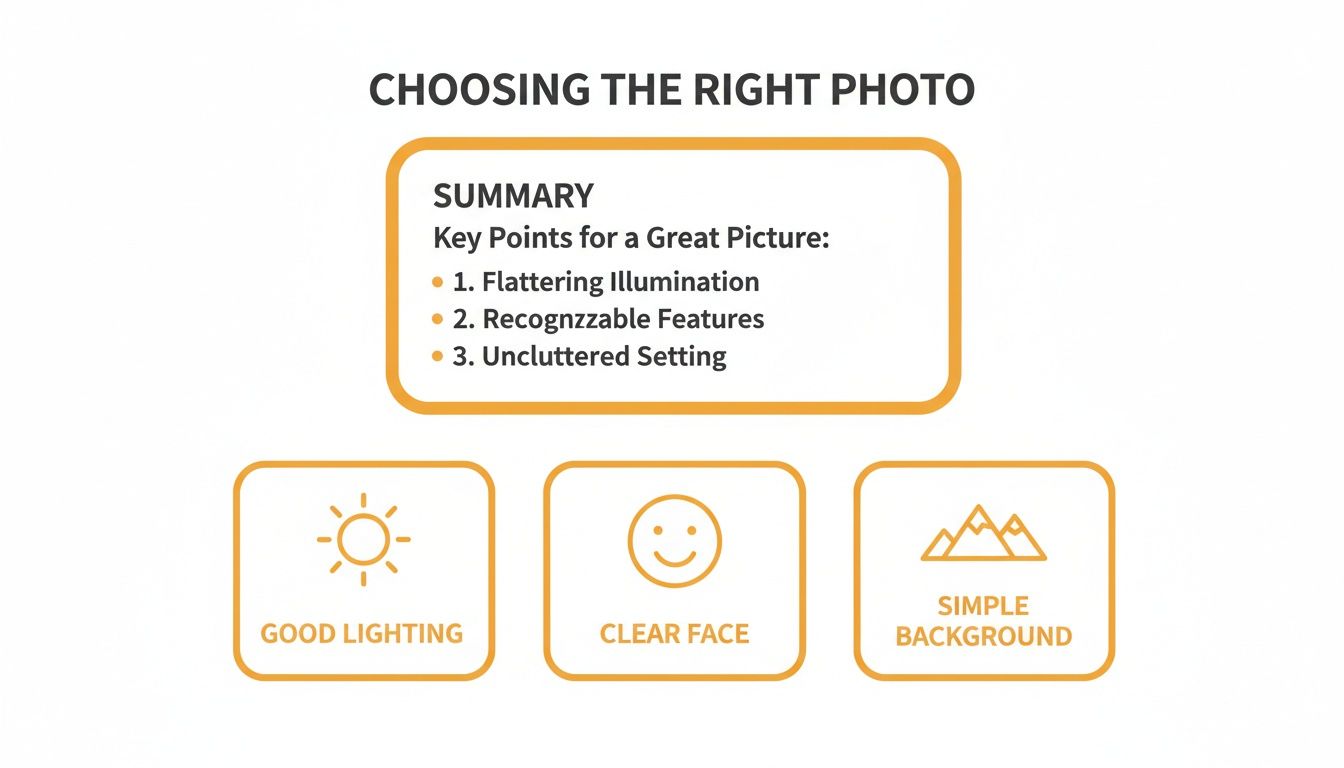
Seriously, focusing on good lighting, a clear view of your face, and a simple background solves 90% of potential issues before they even start.
Once your photo is loaded, you'll see a few settings. The most important one by far is the creativity slider. Think of it as a dial that controls how much the AI sticks to your photo versus how much it leans into the classic Simpsons look.
- Low Creativity: This keeps the result very faithful to your original photo. If a strong, clear likeness is your top priority, start here.
- High Creativity: Pushing the slider up gives the AI more freedom to exaggerate features in true Matt Groening fashion, making the character feel more authentically cartoonish.
My advice? Start with the creativity slider set to about 30%. It’s the sweet spot that usually produces a character that’s recognizably you, but also feels like it could grab a Duff Beer with Homer. You can always tweak it and run it again.
Pro Tip: Generate three or four images at a low creativity setting first. Find the one that captures your essence the best, and then use that as your starting point to experiment with different poses or crank up the creativity.
Experimenting with Poses and Expressions
You're not stuck with the single pose from your photo. This is where you can get really creative. Tooncraft lets you use simple text prompts to put your new character into different situations.
After you have a base character you like, try typing in commands like:
- "Waving to a friend"
- "Holding a donut"
- "Looking surprised"
The AI will generate new images based on your text, keeping the character's core look consistent. It's the perfect way to create a whole set of avatars for different moods and platforms.
If you hit a creative wall, check out Tooncraft's collection of cartoon styles and examples for a little inspiration. When you’ve created the perfect yellow version of yourself, just hit download to save your new high-resolution masterpiece.
Getting Your Character to Look the Same Every Time
Nailing that perfect first image is a fantastic feeling. But the real magic happens when you can create a whole series of your character in different scenes and poses while keeping them recognizable. Consistency is everything, whether you're building a personal brand on social media, creating a set of Twitch emotes, or designing marketing assets. You need people to know it's your character, every single time.
This is where a little bit of foresight goes a long way. Once you generate that one image that just perfectly captures you in that classic yellow-skinned style, stop and save it. That image is now your "master reference" — it's the anchor for everything you'll create from here on out.
Locking in Your Character's Core Look
Tooncraft is built to help with this, but you have to guide it. The trick is to give it the same core ingredients every time you start a new image. Think of it like a recipe; you can't expect the same cake if you start swapping out the flour and sugar. The AI thinks in a similar way.
Here’s my big tip: always, always go back to your original source photo. Don't grab a different picture of yourself every time you want a new pose. When you feed the AI the exact same facial data, you're telling it to recreate the same fundamental features it learned the first time around—that specific eye shape, nose, and hairstyle that made you say "Yep, that's me."
The secret to a versatile library of images that all look like the same person is to 'train' the AI on your character's 'DNA.' You do this by repeatedly using the same initial photo and a consistent, low creativity setting.
Once you have that base character generated from your master photo, then you can start playing with text prompts to change things up. For example, after the AI has locked in your character's face, you can just type in "holding a coffee mug" or "giving a thumbs up." The AI will apply the new action while working hard to keep the face you've already established.
Building Out Your Character Library
This is where Tooncraft’s library feature becomes your best friend for maintaining consistency over the long haul. Every single time you get a result you love, save it. This creates a powerful feedback loop for the AI.
Here’s a simple workflow I stick to:
- Create Your Foundation: Upload your best headshot and generate your first character. I find a low creativity setting, somewhere around 20-30%, works best for this.
- Save the Winner: Go through the results and pick the absolute best one. Save it to your library. This is now your official character base.
- Prompt for New Poses: Now, use that saved character as your starting point. Use text prompts to generate different emotions, actions, and scenes.
- Rinse and Repeat: Keep saving the best new variations to your library. Before you know it, you'll have a complete set of on-brand assets ready to go.
Following this process is the key if you want to create a Simpsons character that can be used everywhere. For a bit of inspiration on what makes a character design feel timeless, it's worth exploring other aesthetics, like the incredible charm of vintage cartoon styles, to see what makes a look stick. A consistent process is what ensures your avatar is instantly recognizable, no matter where you post it.
What To Do With Your New Simpsons Avatar
Alright, so you've officially been "Simpsonized"! You’ve put in the work, tweaked the details, and now you have a perfect cartoon version of yourself ready to take on the world—or at least, Springfield. But don't just let that awesome new avatar sit on your hard drive. This is where the real fun begins.
That creation is more than just a picture; it’s a jumping-off point for a ton of creative, funny, and even professional projects.
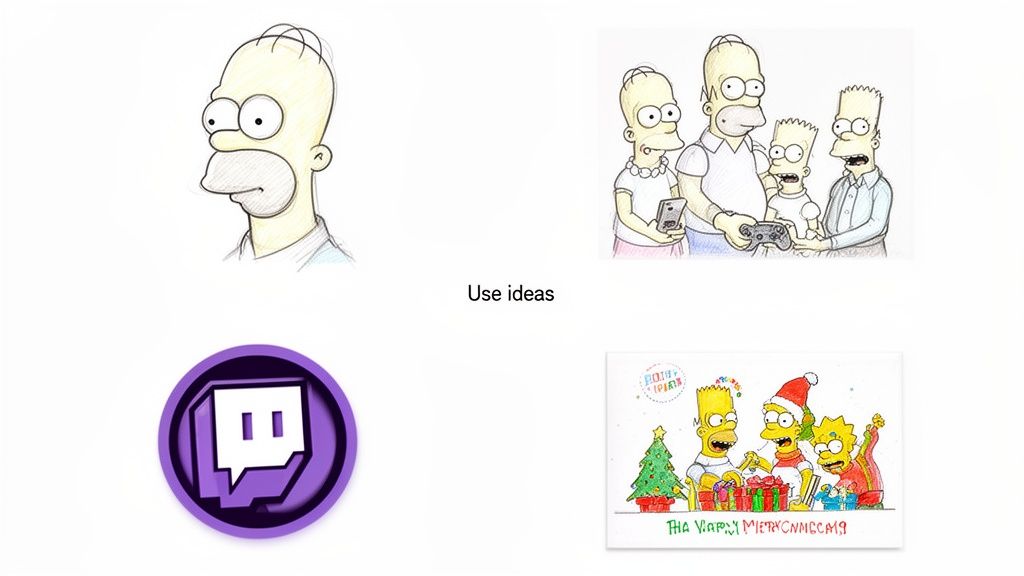
The possibilities are pretty much endless. From totally overhauling your social media game to making gifts your friends will actually remember, your cartoon self is ready for its close-up.
Level Up Your Online Brand
If you're a content creator, your Simpsons avatar is pure gold. A unique, instantly recognizable profile picture is one of the quickest wins for building a brand that sticks. Slap it across all your channels—Instagram, TikTok, your YouTube banner. It’s an instant signal to your audience that you’ve got a personality and don't take things too seriously.
This is a game-changer for gamers and streamers. Just imagine a full set of custom Twitch emotes of your cartoon face reacting to every epic win (or fail). It’s an amazing way to build community and spark some inside jokes with your followers.
- YouTube Thumbnails: Make your character the star of expressive, click-worthy thumbnails that practically scream for attention.
- Streaming Overlays: Ditch the generic templates and design a custom overlay for your Twitch or YouTube stream.
- Discord Avatars: Finally, a server icon and PFP that won't get lost in the noise.
The online creators who really make it have a look you can spot a mile away. Your Simpsons character isn't just a funny picture; it's a branding tool that's fun, friendly, and 100% you.
From Family Portraits To Marketing Magic
The creativity doesn't have to stop with your online life. One of my favorite things to see people do is create custom family portraits. Generating an avatar for everyone in the family (pets included!) and putting them all together makes for a hilarious and surprisingly heartwarming piece of art for your wall. It's also the secret to winning the annual holiday card competition.
Even small businesses can get in on this. A friendly, Simpsons-style mascot can make your brand feel way more human and approachable. Pop it on your website's "About Us" page, drop it into email newsletters, or use it in social media graphics to give your marketing a dose of personality.
This also opens up a whole new world of animated content. By creating your character in a bunch of different poses and expressions, you can stitch together simple but super effective videos. If you're new to that, our guide on how to create AI videos is a great place to get your feet wet.
A Quick Heads-Up On Usage and Rights
Now, while you have tons of creative freedom, it’s smart to be aware of the legal stuff. The Simpsons style is, well, iconic—and heavily protected by copyright. Using your creation for personal things like profile pictures, gifts for family, or fun social media posts is generally no problem at all.
Where it gets a little murky is for big commercial projects, especially if you're thinking of using it as an official business logo. My advice? It's always safer to use these characters for fun marketing content rather than your core branding to avoid any potential legal headaches.
So go ahead—share your work, have a blast with it, and enjoy your new life as a citizen of Springfield
Got Questions About Making Simpsons Characters?
Even with a tool as intuitive as Tooncraft, you're bound to have a few questions. That's totally normal when you're jumping into something new. Let's walk through some of the most common things people ask, so you can get back to creating.
First up, a question we get all the time: does this yellow magic work on our four-legged family members?
Can I Turn My Pet Into a Simpsons Character?
You absolutely can! Tooncraft's AI is surprisingly clever when it comes to animals. It knows how to translate your pet's floppy ears, wet nose, and fluffy fur into that classic Springfield look. You might just end up with a character who looks like they could be best buds with Santa's Little Helper.
For the best results, start with a clear, well-lit picture where your pet is looking more or less at the camera. This gives the AI a solid reference for their unique features. It’s a genuinely fun way to create custom pet portraits that are full of personality.
How Can I Get the Likeness Just Right?
Nailing a strong resemblance to the real you really boils down to two things: the photo you start with and how you tweak the AI settings. Your best bet is to use a high-quality headshot where your facial features are clear and easy to see. That means no sunglasses, weird shadows, or hats covering your face.
Once you're in Tooncraft, your most powerful tool is the 'creativity' slider. I always recommend starting with a low value, somewhere around 20-30%. This instructs the AI to stick very closely to the structure of your original photo. Run a few generations at this level until you find one that really captures your essence. After that, you can start inching the creativity up for a more exaggerated, cartoonish vibe.
Quick tip from experience: If you're doing a group picture, generate each person individually first. It's the best way to make sure everyone's likeness is spot-on before you combine them.
Is It Legal to Use My Character for a Business Logo?
This is a really important one. While you're generally free to use your yellow-ified characters for commercial things like social media posts or online ads, using it as an official business logo is a different story. The Simpsons art style is a heavily protected trademark.
To stay on the safe side, we always suggest using your creations for promotional content, not as your core brand identity. When it comes to your official logo, it’s always wise to consult with a legal professional to steer clear of any copyright trouble.
How Do I Create a Full Family Portrait?
Yes, and this is probably one of the most popular ways people use the tool! The secret to a fantastic family portrait is to handle each person separately. Take your time generating an individual character for every family member until you're happy with how each one looks.
Once you have your cast of characters saved, you can use a simple tool like Canva or Photoshop to bring them all together in a single image. A classic move is to arrange them on a couch, just like in the show's opening sequence. This method gives you total control and ensures everyone looks their best.
Ready to see yourself in yellow? Tooncraft makes it ridiculously simple. Head over to the Tooncraft website to upload your photo and bring your very own Simpsons character to life in just a few seconds.