
Neon Genesis Evangelion AI Generator
Transform your photo into Neon Genesis Evangelion AI character in seconds. Tooncraft uses AI to recreate your selfie in the authentic Neon Genesis Evangelion style - fun, fast, and instantly shareable!
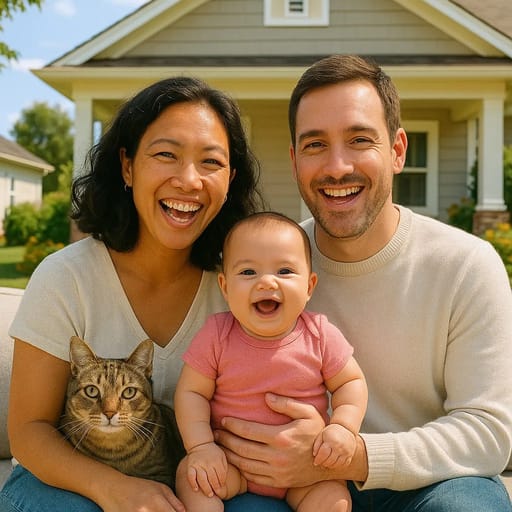
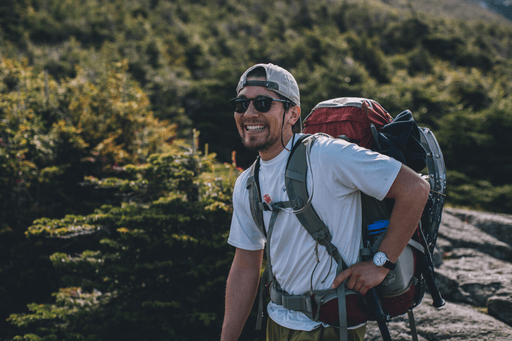
ORIGINAL
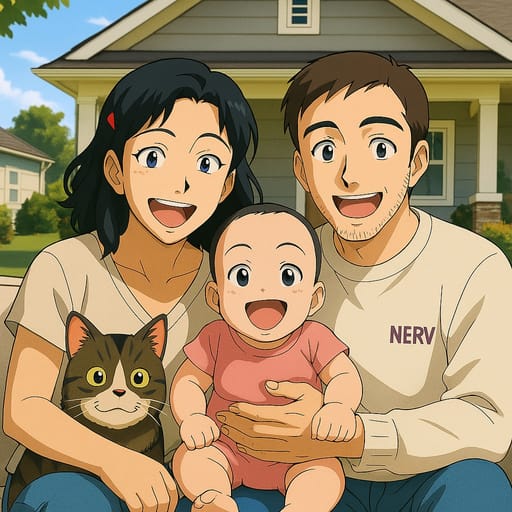
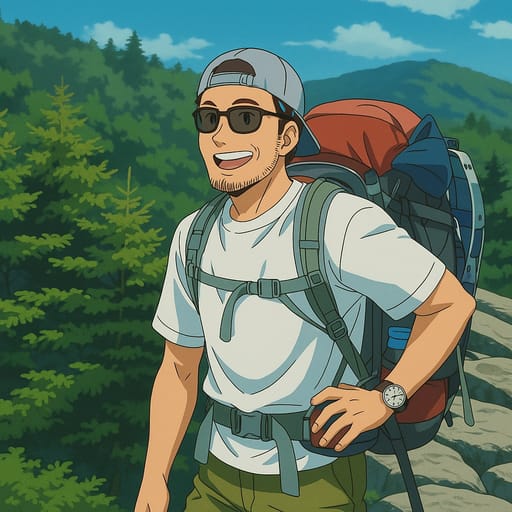
CONVERTED
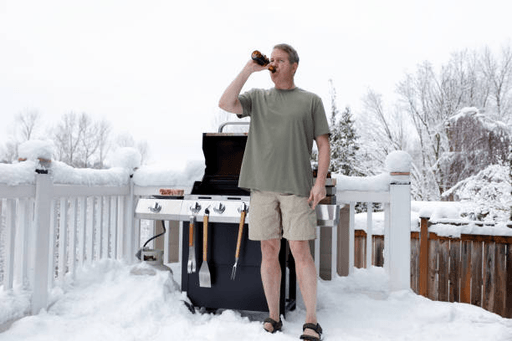
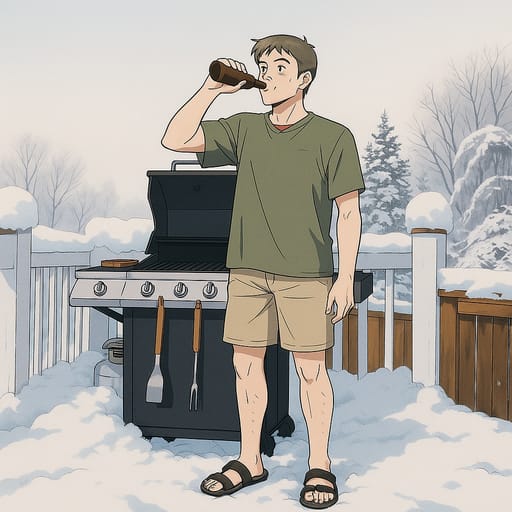
About Neon Genesis Evangelion Style
Welcome to Tokyo-3. Neon Genesis Evangelion, created by Hideaki Anno and produced by Studio Gainax, is widely regarded as one of the most influential anime series ever made. Premiering in 1995, it redefined the mecha genre and left an indelible mark on anime art and storytelling. The art style is a masterclass in visual communication: angular character designs, muted and deliberate color palettes, and a level of psychological depth conveyed through visual composition that was groundbreaking for its time and remains striking today. The Evangelion art style is defined by its precision and emotional weight. Characters are drawn with sharp, angular features, realistic proportions with subtle anime stylization, and eyes that carry an extraordinary range of emotion, from Shinji's vulnerability and doubt to Asuka's fierce defensiveness to Rei's unsettling calm. Yoshiyuki Sadamoto's character designs are iconic: Shinji's unassuming appearance, Asuka's fiery red hair and interface headset, Rei's pale blue hair and crimson eyes. The color palette leans toward cool blues, warm oranges during sunset scenes, and stark reds that carry thematic significance throughout the series. Our AI has studied Evangelion's distinctive visual language across the original series and the Rebuild films, capturing what makes the art style so immediately recognizable. The key elements include the angular facial structures with pointed chins and defined jawlines, the detailed and emotionally expressive eyes with layered iris patterns, the restrained color palette that uses contrast for dramatic effect, and the clean linework that gives every character a sense of both fragility and purpose. Your photo is transformed into a character that looks like a genuine NERV operative. The Evangelion style is well suited for individual portraits and smaller group photos. Transform yourself into a new Eva pilot with the series' signature intensity, or create a duo portrait with a friend that captures the complex interpersonal dynamics the show is known for. The style's emphasis on emotional expression means that thoughtful, introspective photos produce particularly compelling results, though confident and intense expressions also translate beautifully. Evangelion AI art and character creation remain deeply popular decades after the show's original run, a testament to how thoroughly the series permeated anime culture and visual design. The show's themes of identity, connection, and the human condition resonate across generations, and its art style has influenced countless anime that followed. Creating your own Evangelion character is a way to engage with one of the medium's most important and visually distinctive works. Whether you are a longtime fan who has debated the meaning of the final episode for years or someone drawn to the series' striking visual identity, the Evangelion style offers a transformation that is thoughtful, atmospheric, and unmistakably iconic.
How to Make Your Neon Genesis Evangelion AI Avatar
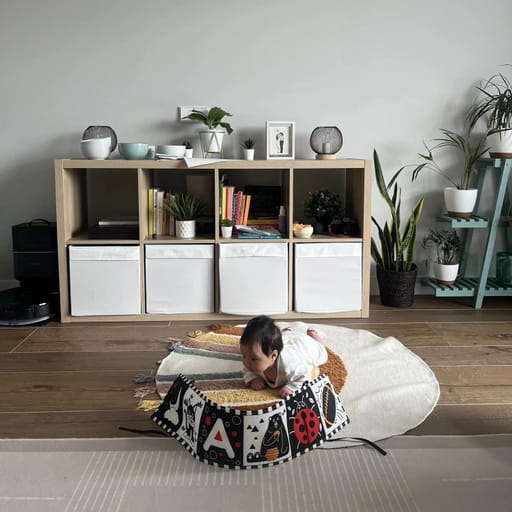
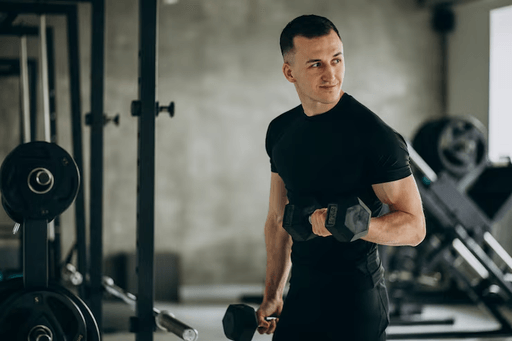
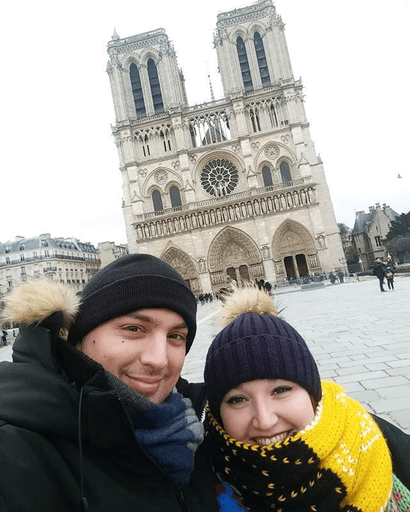
ORIGINAL
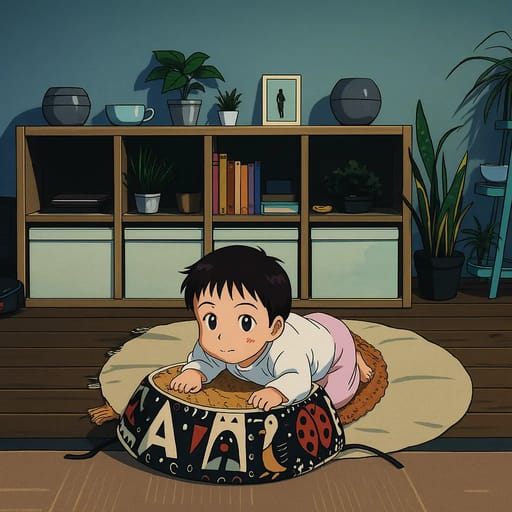
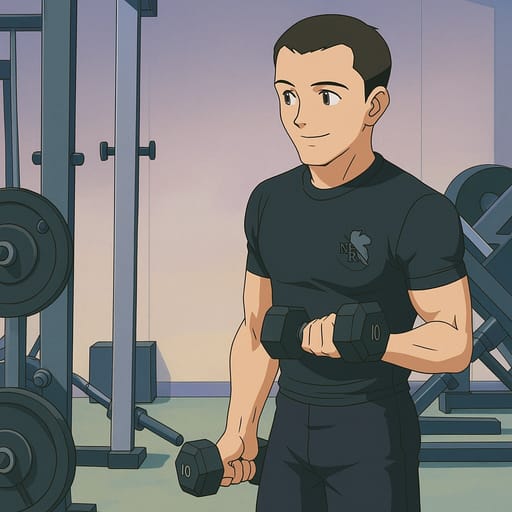
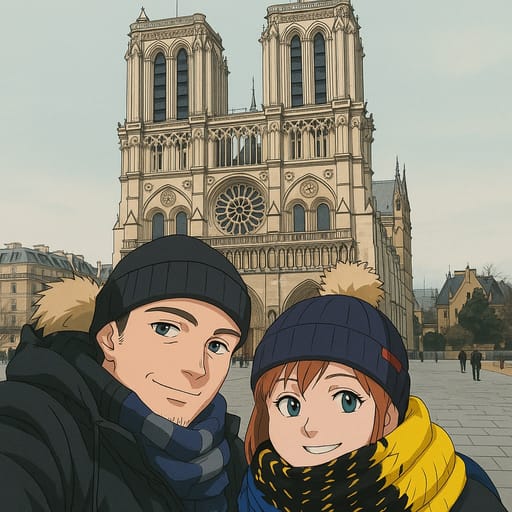
CONVERTED
Our AI has been trained on Neon Genesis Evangelion's animation style, studying Yoshiyuki Sadamoto's character designs and the visual techniques that define both the original 1995 series and the Rebuild of Evangelion films. It understands the precise elements that make Evangelion characters visually distinct: the angular facial geometry, the detailed and emotionally complex eye designs, and the restrained color work that conveys mood and psychological depth. When you upload your photo, the AI analyzes your facial features and renders them in the Evangelion aesthetic. Your face shape is adapted into the show's characteristic angular proportions, your eyes are transformed with the detailed iris patterns and emotional depth that define Eva characters, and your overall appearance takes on the series' distinctive blend of realism and anime stylization. The result is a character that feels authentically Evangelion while remaining recognizably you. For the best Evangelion transformation, use a clear photo with good lighting. The style responds especially well to thoughtful or intense expressions, as the Evangelion aesthetic is built around conveying complex inner states through subtle facial cues. Front-facing and three-quarter angle photos both produce strong results. The AI generates your transformation quickly across multiple quality levels. Use lower quality for previewing different photos and expressions, and higher quality for finished pieces suitable for sharing in anime communities or printing as personal art. The Evangelion style's clean linework and detailed shading translate particularly well to high-resolution outputs.
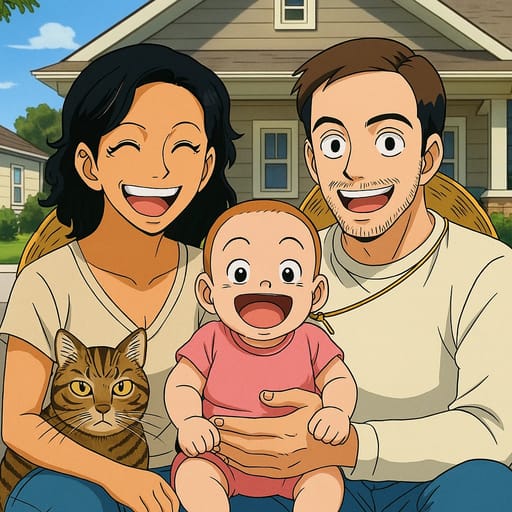
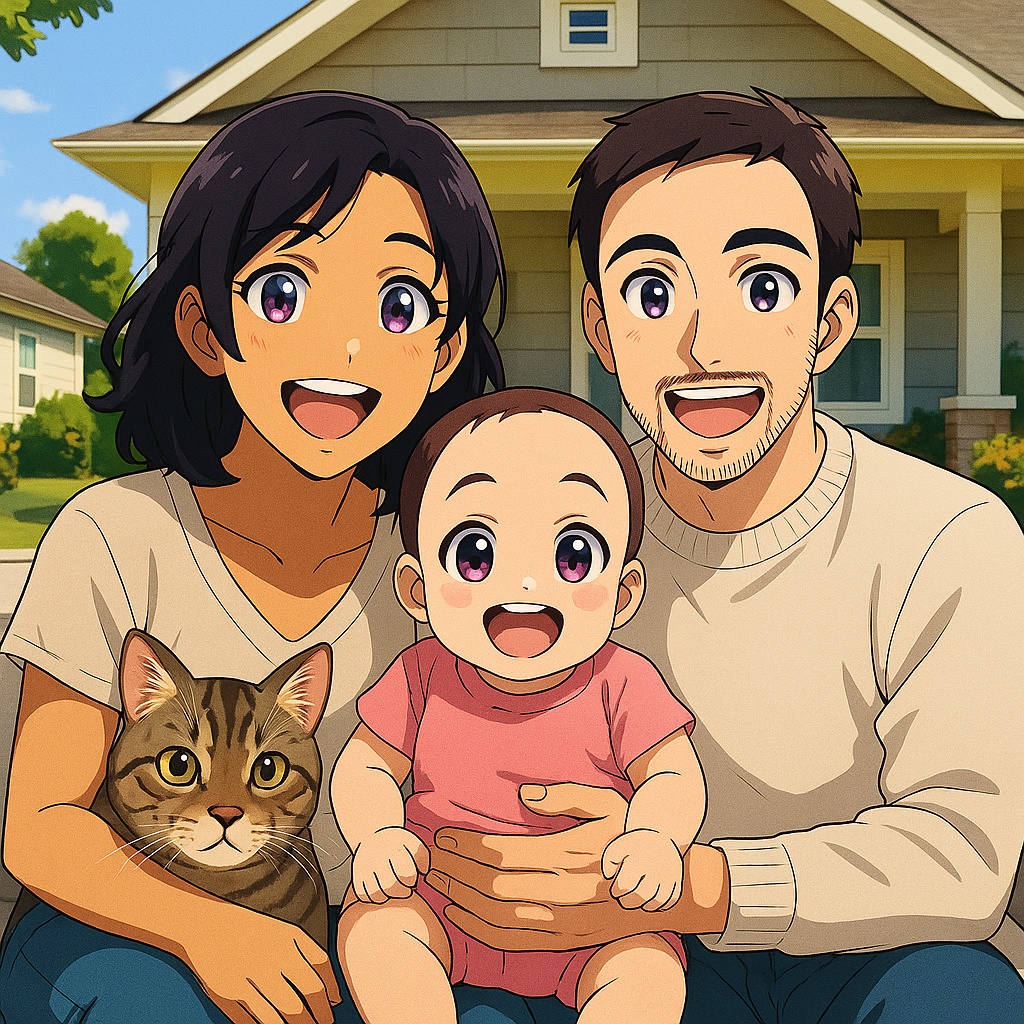
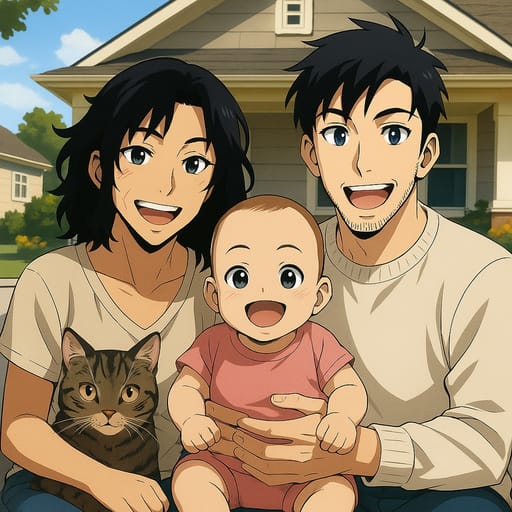
Other Anime You Might Be Interested In
Frequently Asked Questions
How does the AI anime and cartoon converter work?
Tooncraft uses advanced AI technology to analyze your photo and transform it into cartoon or anime style. Simply upload your image, choose your preferred style, and our AI does the rest in seconds.
Is my data safe and private?
Absolutely. We take privacy seriously. Your photos are securely stored, and you can download or delete them at any time. We never share your images with third parties.
What image formats are supported?
Tooncraft supports JPG, PNG, and WEBP formats. For best results, use clear, well-lit photos with the subject facing forward.
How many anime and cartoon styles are available?
We offer 50+ unique cartoon and anime styles, from classic animation like Disney and Studio Ghibli to modern digital art. New styles are added regularly based on user feedback.
Can I use Tooncraft images for commercial purposes?
Yes! Premium subscribers can use their generated images for commercial purposes, including social media marketing, products, and brand materials.
What's the quality of the AI-generated images?
We offer three quality levels: Low (quick previews), Medium (social media ready), and High (professional quality). High quality images are perfect for professional use.
How long does it take to convert a photo to anime style?
Most transformations complete in 10-30 seconds, depending on the quality level selected and current server load. You'll receive a notification when your image is ready.
Can I get a refund if I'm not satisfied?
We offer a 7-day money-back guarantee on all paid plans. If you're not completely satisfied, contact our support team for a full refund.