
Gravity Falls AI Generator
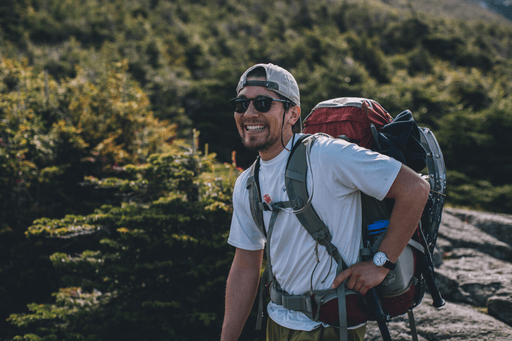
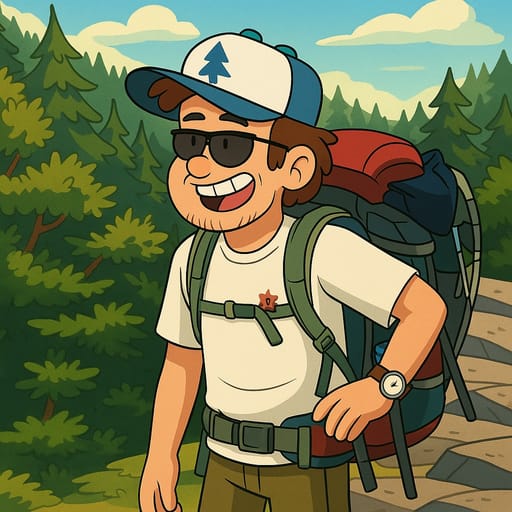
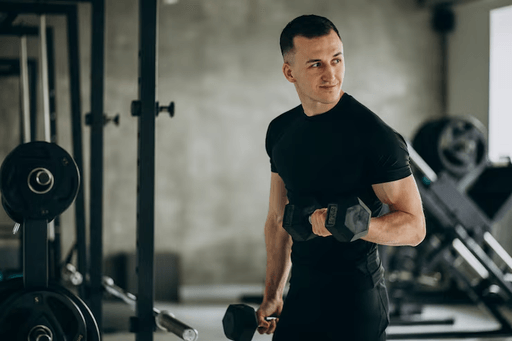
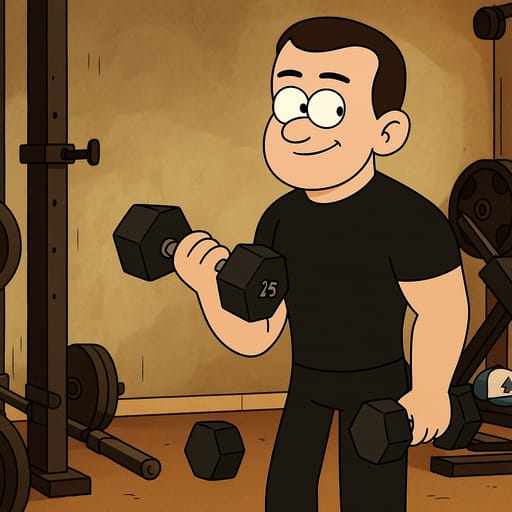
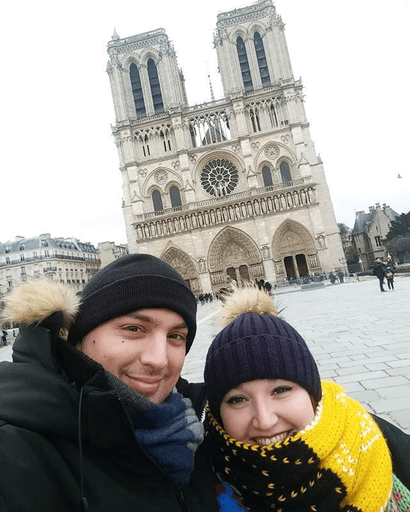
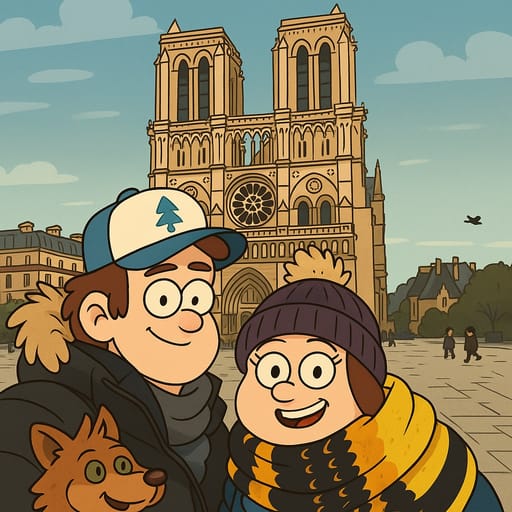
Transform your photo into Gravity Falls AI character in seconds. Tooncraft uses AI to recreate your selfie in the authentic Gravity Falls style - fun, fast, and instantly shareable!
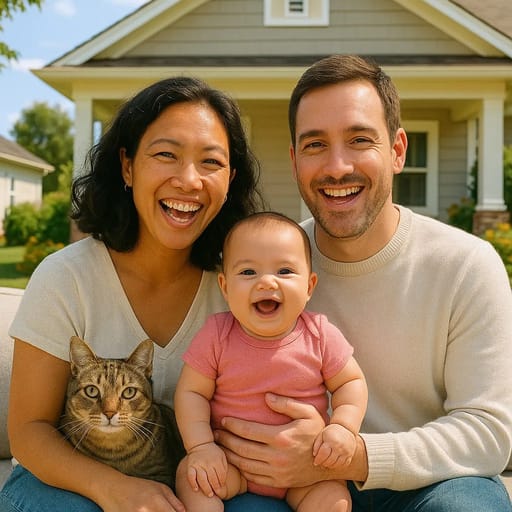
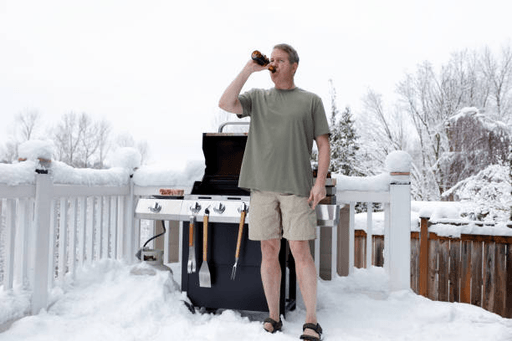
ORIGINAL
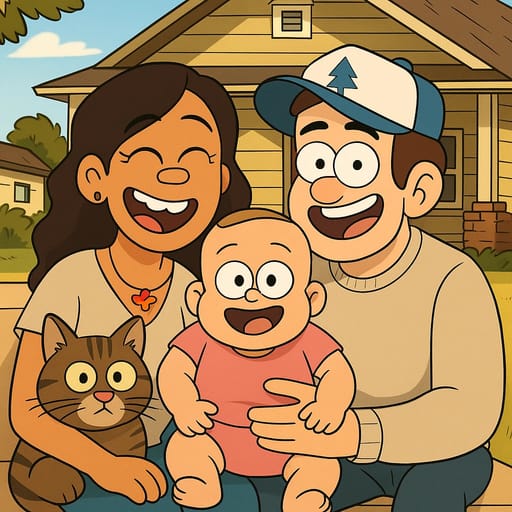
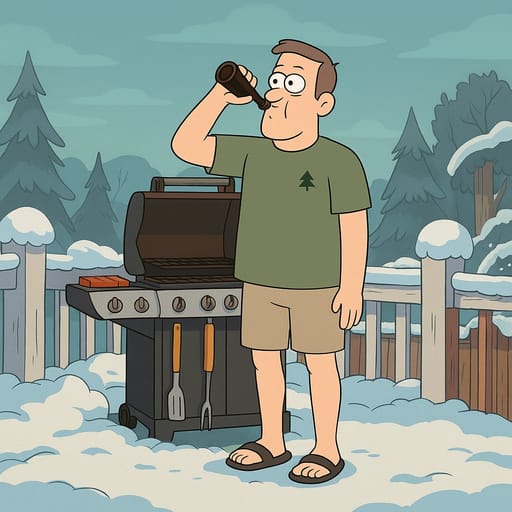
CONVERTED
About Gravity Falls Style
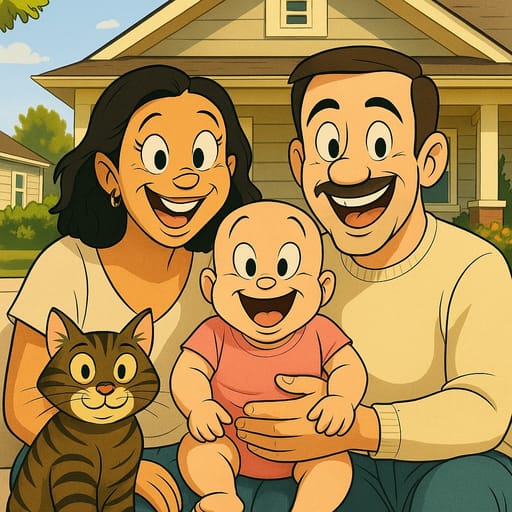
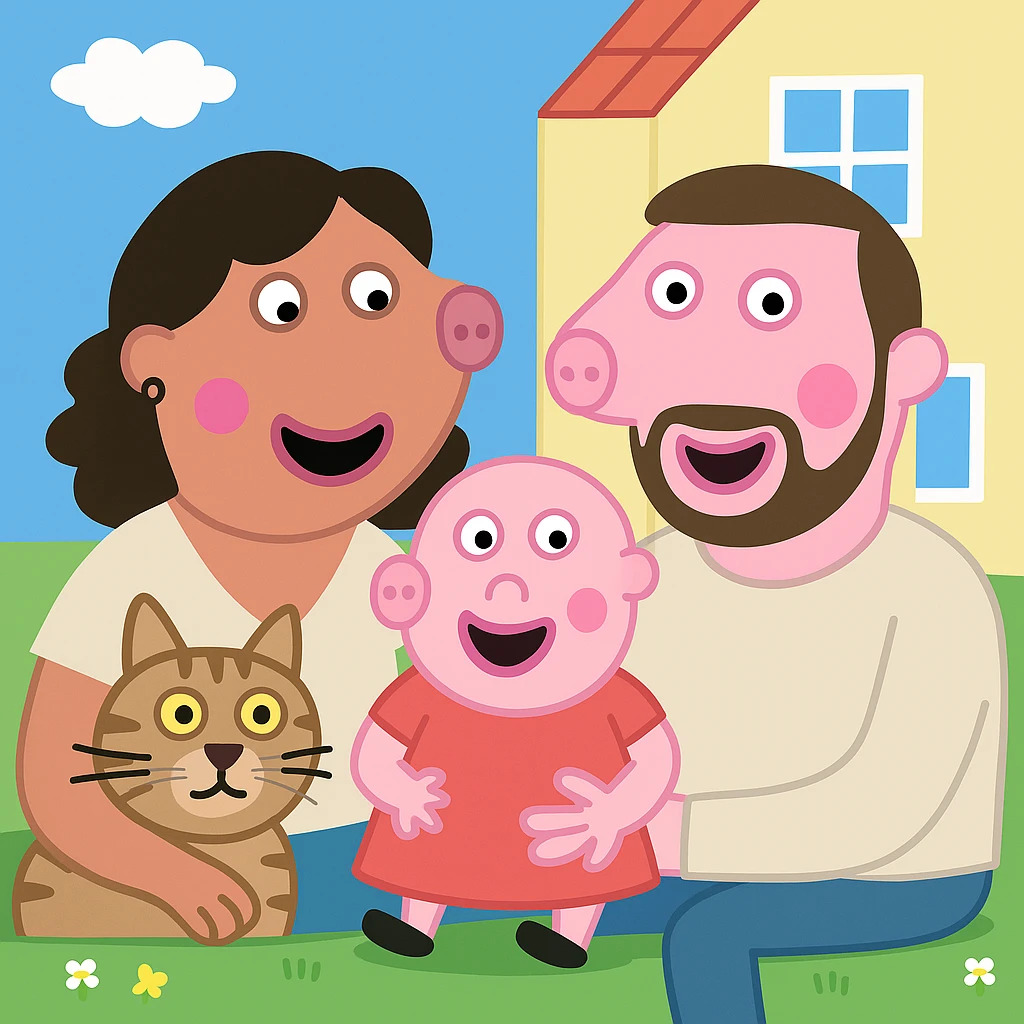
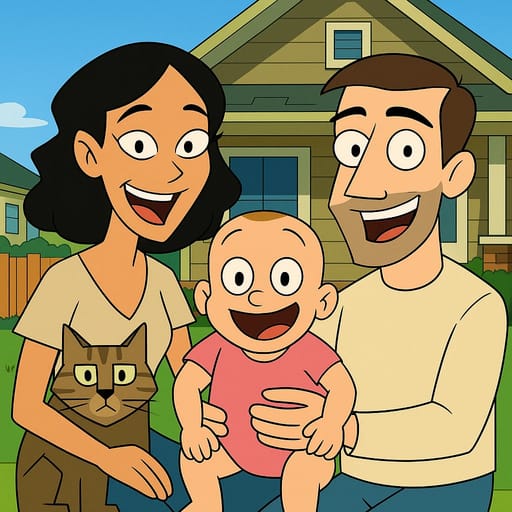
Welcome to the mysterious town of Gravity Falls, Oregon. Created by Alex Hirsch, Gravity Falls became one of the most beloved animated series of the 2010s, blending mystery, comedy, and heart into a show that appeals to kids and adults alike. The art style is instantly recognizable: round friendly faces, simple but incredibly expressive eyes, thick black outlines, and a warm color palette that shifts between cozy summer tones and eerie supernatural hues. The Gravity Falls character design philosophy is what makes OC creation so appealing to fans. Every character in the show has a distinctive silhouette and personality reflected in their design. Dipper's pine tree hat and vest, Mabel's colorful sweaters, Grunkle Stan's fez, Soos's question mark shirt: these simple but memorable details make each character instantly recognizable. When creating your own Gravity Falls OC, these kinds of signature elements are what bring a character to life. Our AI captures the essential elements of the Gravity Falls art style: the rounded head shapes with slightly pointed chins, the simple dot or curved line eyes that somehow express an incredible range of emotions, the thick bold outlines that give every character a solid cartoon presence, and the warm earth-toned palette punctuated by supernatural blues and greens. Your photo is transformed into a character that looks like it walked straight out of the Mystery Shack. The style works wonderfully for all kinds of creative uses. Create your own Mystery Twin duo from a photo with your sibling or best friend. Transform a family portrait into a Gravity Falls family ready for supernatural adventures. Make yourself into a new resident of the quirky Oregon town, complete with the show's signature blend of humor and mystery. Gravity Falls fan art and OC creation remain incredibly popular years after the show's finale, because the world Alex Hirsch built is so rich and inviting. The town is full of secrets, every pine tree could hide a portal, and every character has layers waiting to be explored. Creating your own Gravity Falls character is a way to add your story to this beloved universe.
How to Make Your Gravity Falls AI Avatar
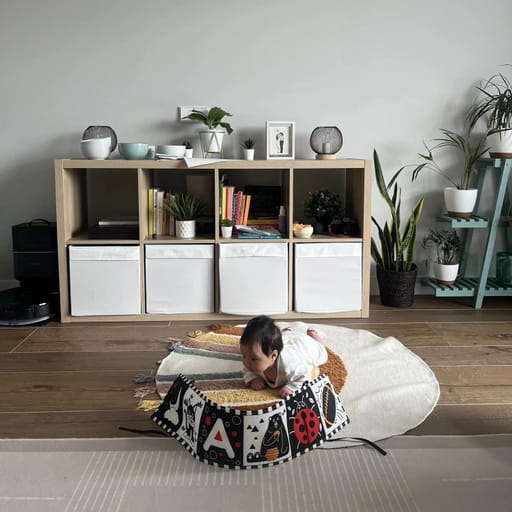
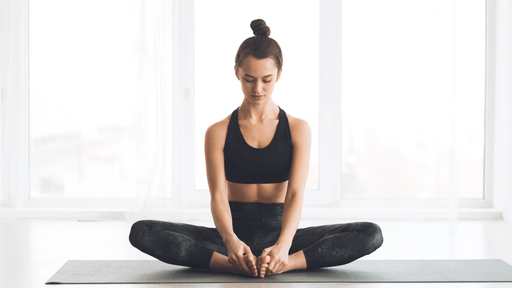
ORIGINAL
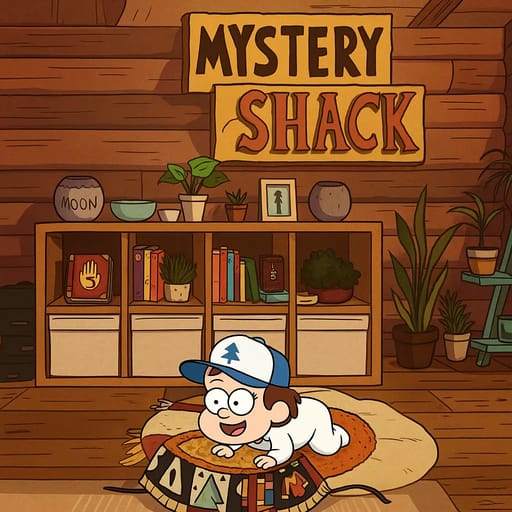
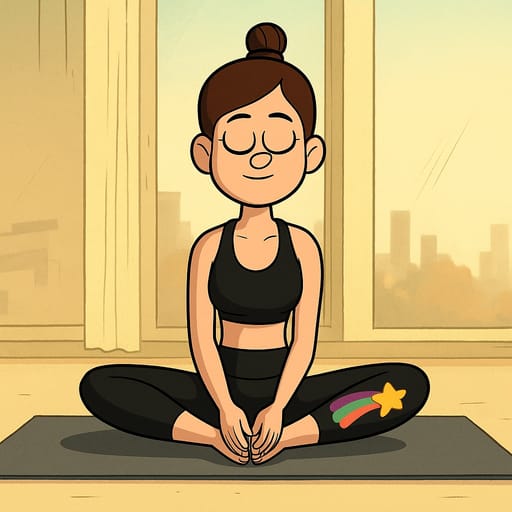
CONVERTED
Our AI has studied the Gravity Falls art style with the dedication of Dipper Pines studying Journal 3. It understands the specific proportions that define Gravity Falls characters: the rounded heads, the simple but highly expressive facial features, and the thick bold outlines that give every character that signature cartoon solidity. When you upload your photo, the AI analyzes your features and translates them into the Gravity Falls aesthetic. Your facial structure becomes the show's characteristic rounded shape, your eyes are rendered with that deceptively simple style that can convey curiosity, excitement, fear, or joy with just a few lines, and your hair and clothing are adapted to fit the show's warm, hand-drawn look. For the best Gravity Falls transformation, use a clear photo with good lighting. Photos with interesting expressions, like curiosity, surprise, or mischief, work particularly well because the Gravity Falls style excels at capturing personality through simple but effective facial expressions. Both individual portraits and group photos produce great results. The AI generates your transformation in seconds, available in multiple quality levels. Quick previews are perfect for trying different photos, while high-quality outputs are ideal for sharing with the Gravity Falls fan community or printing as personal art.
Other Anime You Might Be Interested In
Frequently Asked Questions
How does the AI anime and cartoon converter work?
Tooncraft uses advanced AI technology to analyze your photo and transform it into cartoon or anime style. Simply upload your image, choose your preferred style, and our AI does the rest in seconds.
Is my data safe and private?
Absolutely. We take privacy seriously. Your photos are securely stored, and you can download or delete them at any time. We never share your images with third parties.
What image formats are supported?
Tooncraft supports JPG, PNG, and WEBP formats. For best results, use clear, well-lit photos with the subject facing forward.
How many anime and cartoon styles are available?
We offer 50+ unique cartoon and anime styles, from classic animation like Disney and Studio Ghibli to modern digital art. New styles are added regularly based on user feedback.
Can I use Tooncraft images for commercial purposes?
Yes! Premium subscribers can use their generated images for commercial purposes, including social media marketing, products, and brand materials.
What's the quality of the AI-generated images?
We offer three quality levels: Low (quick previews), Medium (social media ready), and High (professional quality). High quality images are perfect for professional use.
How long does it take to convert a photo to anime style?
Most transformations complete in 10-30 seconds, depending on the quality level selected and current server load. You'll receive a notification when your image is ready.
Can I get a refund if I'm not satisfied?
We offer a 7-day money-back guarantee on all paid plans. If you're not completely satisfied, contact our support team for a full refund.