
Naruto AI Generator
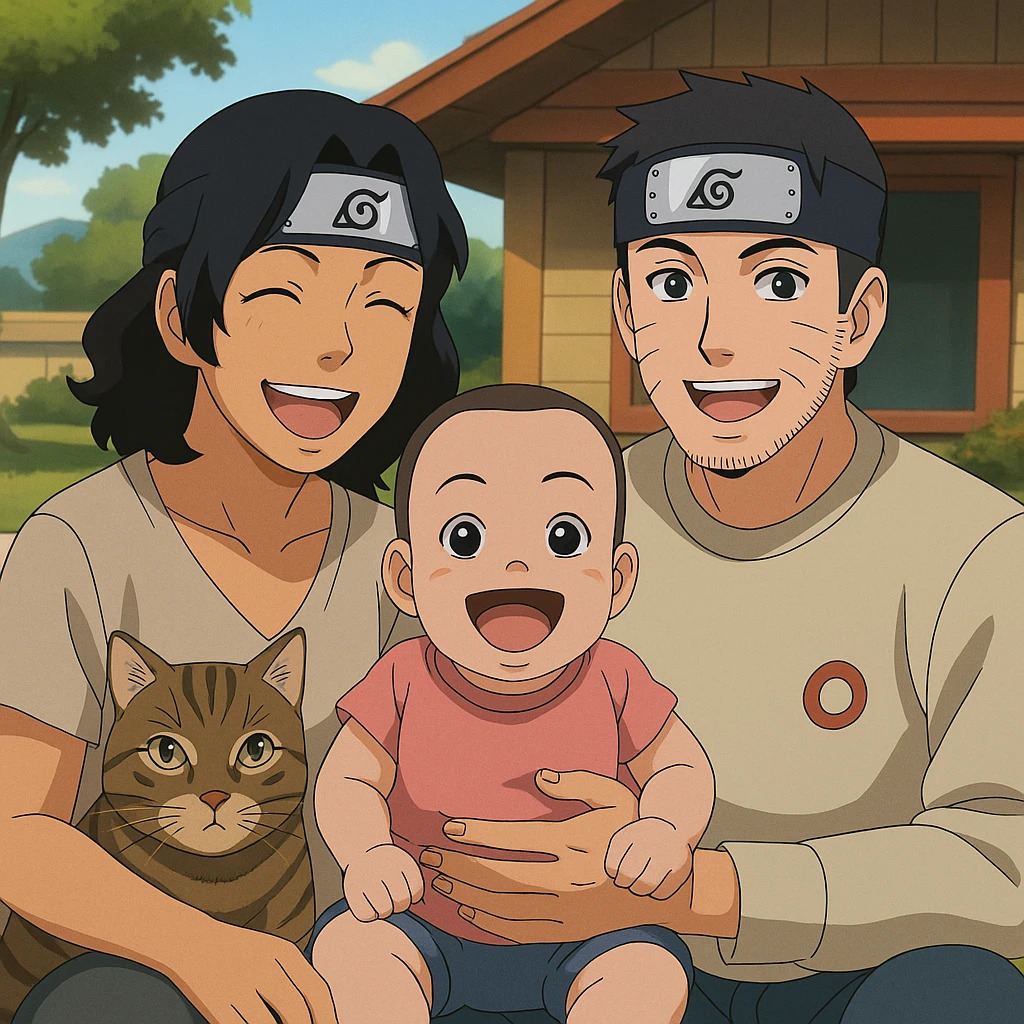
Transform your photo into Naruto AI character in seconds. Tooncraft uses AI to recreate your selfie in the authentic Naruto style - fun, fast, and instantly shareable!
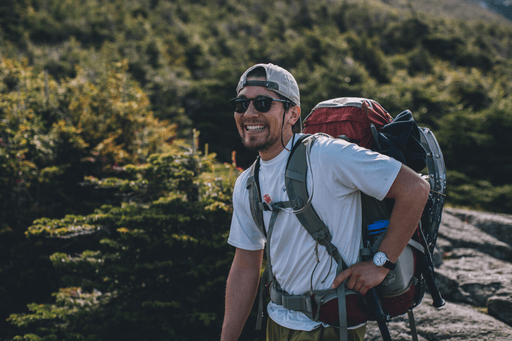
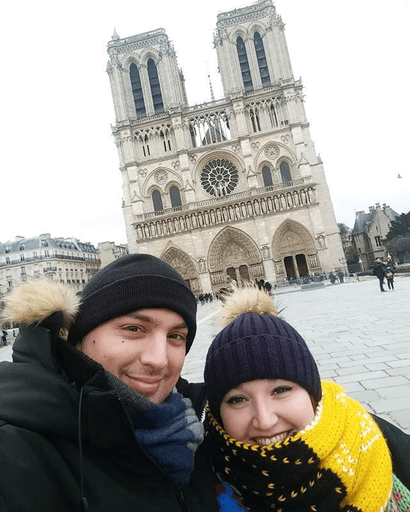
ORIGINAL
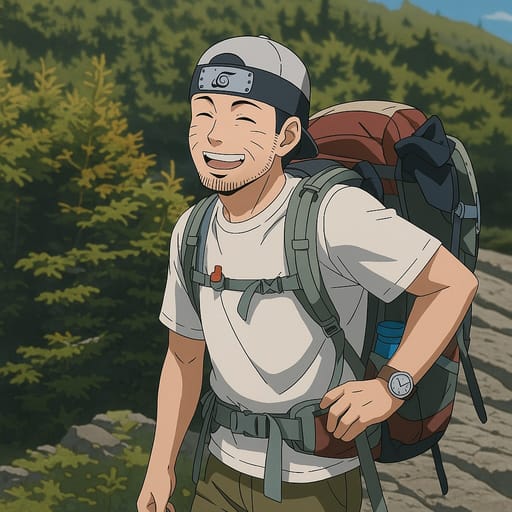
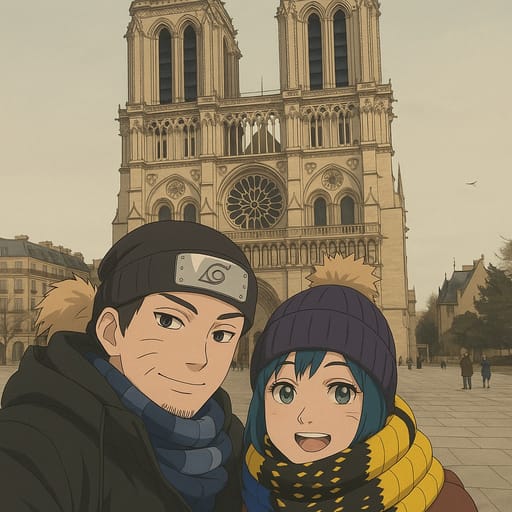
CONVERTED
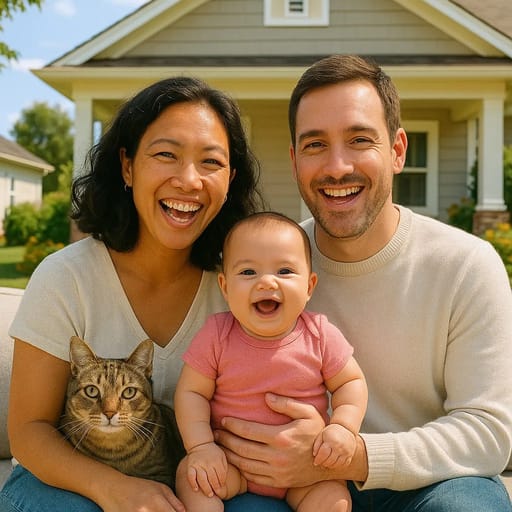
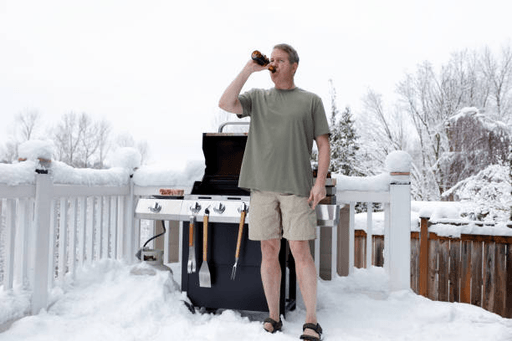
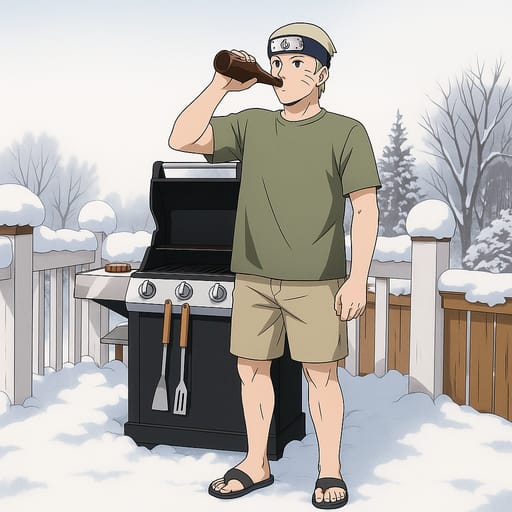
About Naruto Style
Welcome to the Hidden Leaf Village. Naruto, created by Masashi Kishimoto, is one of the most influential anime and manga series ever made, following the journey of Naruto Uzumaki from an outcast orphan to the most powerful ninja in his world. The art style evolved significantly across the original series and Naruto Shippuden, but its core visual identity remains consistent: expressive oversized eyes, distinctive spiky hairstyles, bold line work, and a vibrant color palette that brings the world of shinobi to life. The Naruto art style is defined by several unmistakable elements. Characters feature large, highly detailed eyes that convey emotion with remarkable clarity — from Naruto's bright blue eyes full of determination to Sasuke's dark, intense Sharingan. Hairstyles are exaggerated and gravity-defying, serving as key identifiers for each character. The use of bold outlines, dynamic action poses, and distinctive outfit designs such as the forehead protectors and village-specific uniforms create a visual language that fans worldwide recognize instantly. Our AI has studied Masashi Kishimoto's character design philosophy across both the original Naruto series and Shippuden, capturing the essential visual elements: the large expressive eyes with detailed iris patterns, the dynamic spiky hair designs, the bold outlines and clean color fills, the distinctive facial markings and expressions, and the ninja-inspired clothing and accessories. When your photo is transformed, the result is a character that looks like a genuine resident of the shinobi world, complete with the emotional depth and visual energy the series is known for. The Naruto style is excellent for a variety of photo types. Transform a solo portrait into a determined ninja ready for their next mission. Turn a group photo into a complete shinobi squad with each member showing their own unique ninja identity. Create couple portraits that capture the emotional bonds the series celebrates, or design family portraits where every member has their own ninja path. The style's bold colors and expressive features ensure every transformation is vibrant and engaging. Naruto anime AI art is popular across a wide range of uses: profile pictures that channel your inner ninja on social media, personalized fan art that places you in the world of shinobi, personalized artwork for the Naruto fan in your life, and creative projects that draw on the series' rich visual language. The style's clean lines and vivid colors also make it well-suited for printing on physical items. Whether you followed Naruto's journey from its very first episode or you are drawn to the dynamic energy of ninja anime art, creating your own shinobi character is an engaging experience that connects you to one of anime's most beloved universes.
How to Make Your Naruto AI Avatar
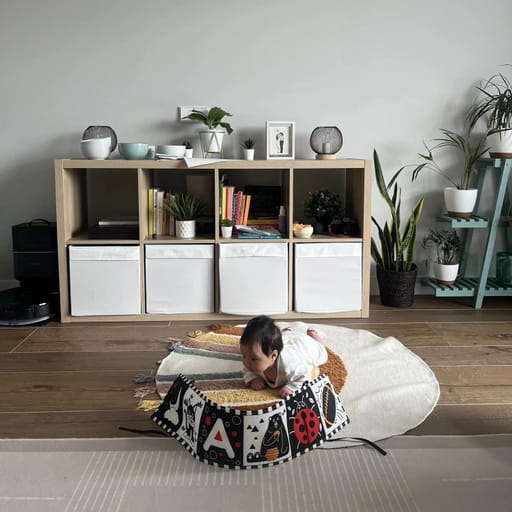
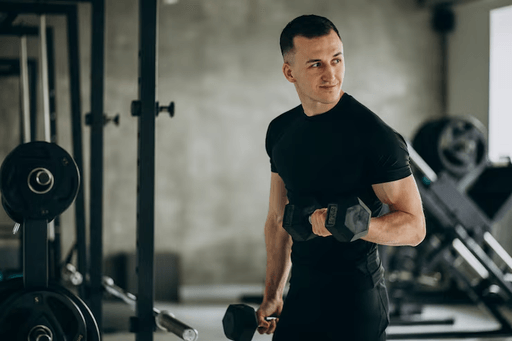
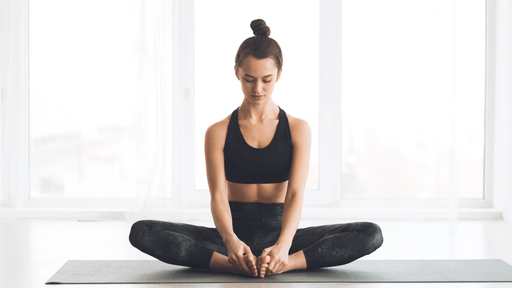
ORIGINAL
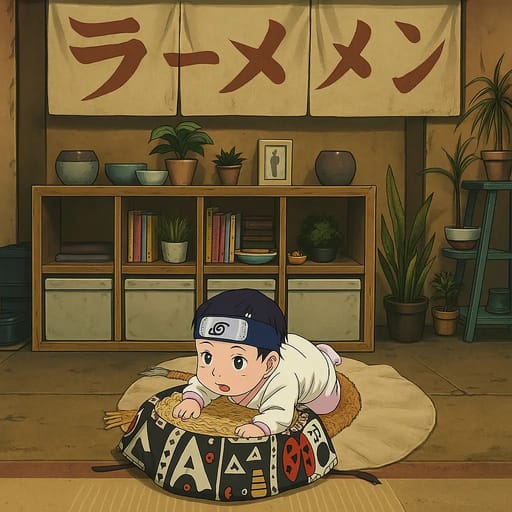
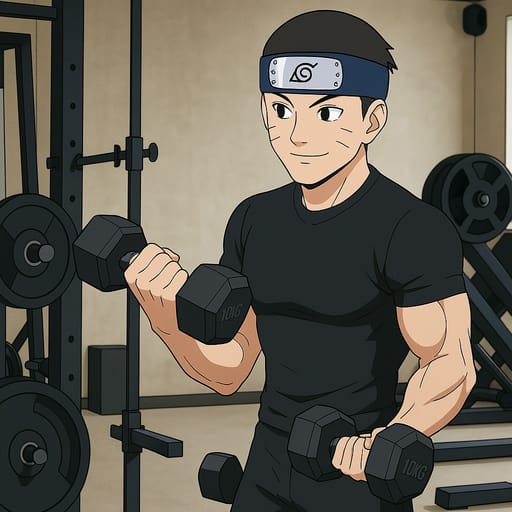
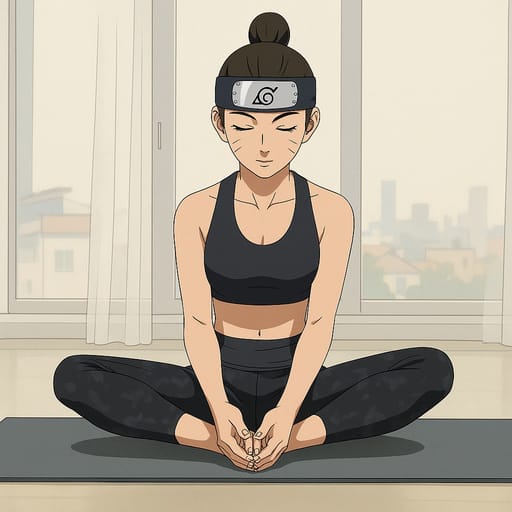
CONVERTED
Our AI has been trained on Naruto's distinctive art style, studying Masashi Kishimoto's character design techniques across both the original series and Shippuden. It understands the proportions, expressions, and details that define the shinobi world: the large expressive eyes with layered iris detail, the dynamic spiky hair that serves as each character's visual signature, the bold outlines, and the ninja-themed accessories and clothing. When you upload your photo, the AI analyzes your facial features and translates them into the Naruto aesthetic. Your eyes are rendered with that signature anime expressiveness, your hair is adapted into a dynamic style that fits the ninja world, and your overall appearance takes on the vibrant colors and clean line work the series is known for. The result is a character that feels authentically part of the Naruto universe while remaining recognizably you. For optimal results, use a clear, well-lit photo with your face clearly visible. Determined or confident expressions align naturally with the Naruto style's emphasis on willpower and resolve, though the AI handles a variety of expressions well. Both front-facing portraits and action-oriented poses produce compelling transformations. Group photos work particularly well with the Naruto style, as the series itself revolves around team dynamics. The AI processes multiple faces in a single image, assigning each person a unique ninja character design while maintaining visual consistency across the squad. This makes it ideal for creating team portraits, friend group ninja squads, and collaborative fan art projects.
Other Anime You Might Be Interested In
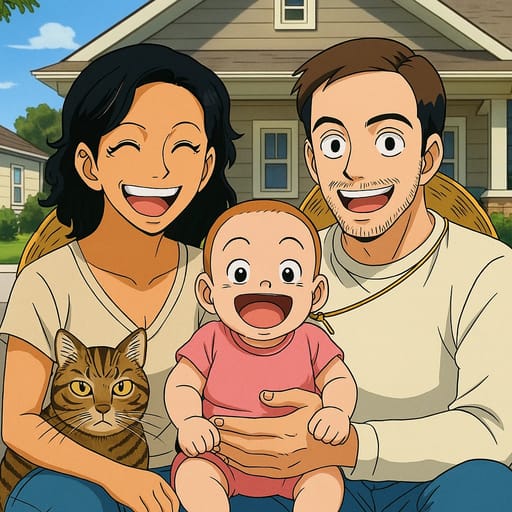
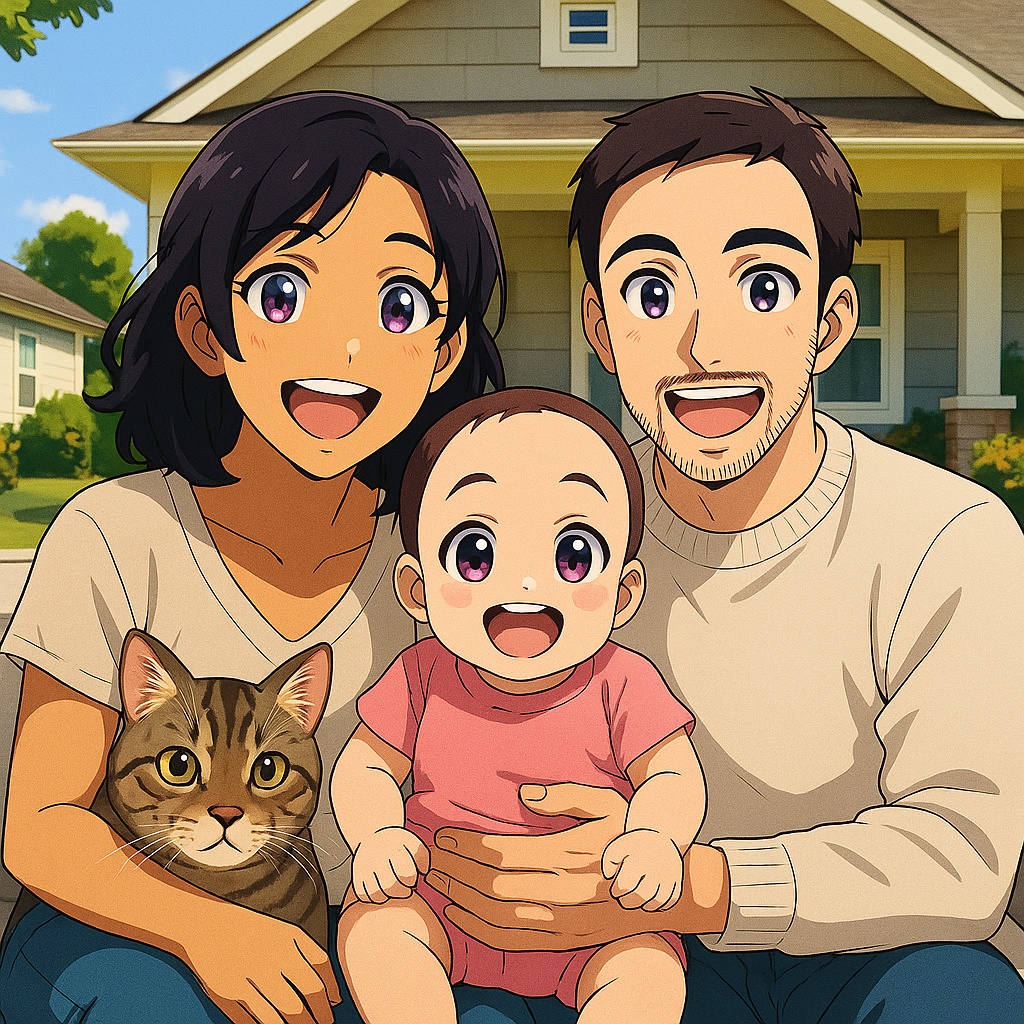
Frequently Asked Questions
How does the AI anime and cartoon converter work?
Tooncraft uses advanced AI technology to analyze your photo and transform it into cartoon or anime style. Simply upload your image, choose your preferred style, and our AI does the rest in seconds.
Is my data safe and private?
Absolutely. We take privacy seriously. Your photos are securely stored, and you can download or delete them at any time. We never share your images with third parties.
What image formats are supported?
Tooncraft supports JPG, PNG, and WEBP formats. For best results, use clear, well-lit photos with the subject facing forward.
How many anime and cartoon styles are available?
We offer 50+ unique cartoon and anime styles, from classic animation like Disney and Studio Ghibli to modern digital art. New styles are added regularly based on user feedback.
Can I use Tooncraft images for commercial purposes?
Yes! Premium subscribers can use their generated images for commercial purposes, including social media marketing, products, and brand materials.
What's the quality of the AI-generated images?
We offer three quality levels: Low (quick previews), Medium (social media ready), and High (professional quality). High quality images are perfect for professional use.
How long does it take to convert a photo to anime style?
Most transformations complete in 10-30 seconds, depending on the quality level selected and current server load. You'll receive a notification when your image is ready.
Can I get a refund if I'm not satisfied?
We offer a 7-day money-back guarantee on all paid plans. If you're not completely satisfied, contact our support team for a full refund.