
Gintama AI Generator
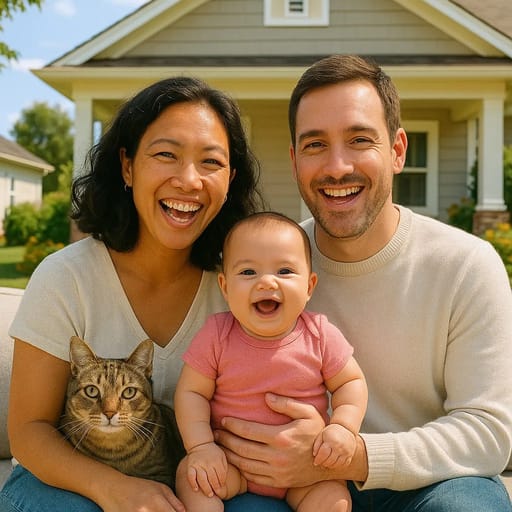
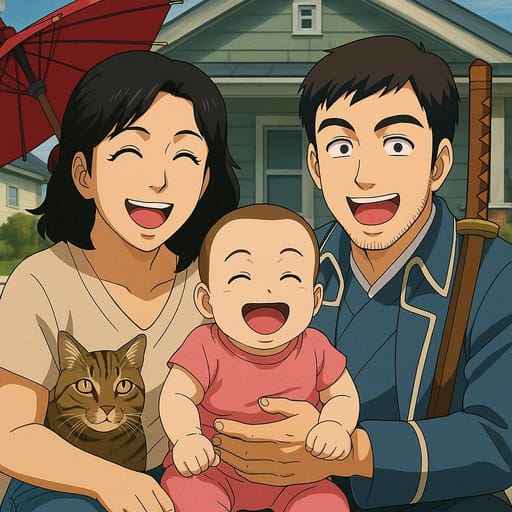
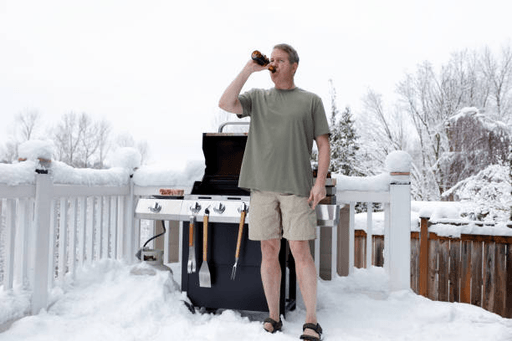
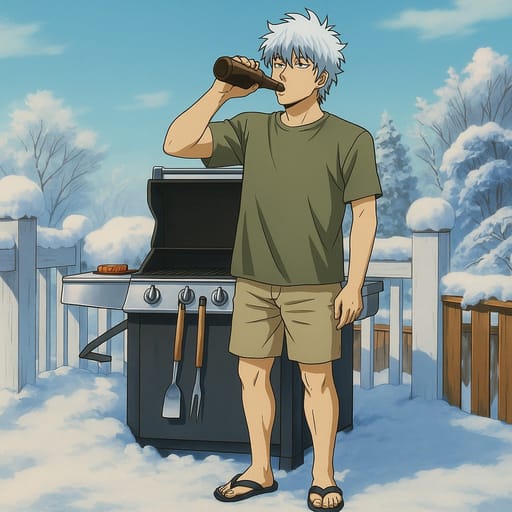
Transform your photo into Gintama AI character in seconds. Tooncraft uses AI to recreate your selfie in the authentic Gintama style - fun, fast, and instantly shareable!
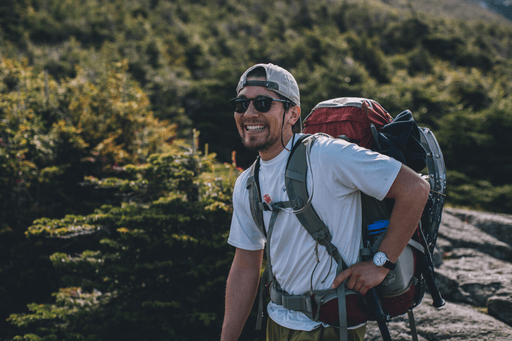
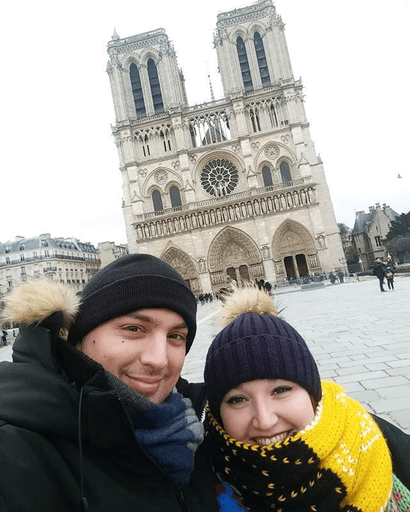
ORIGINAL
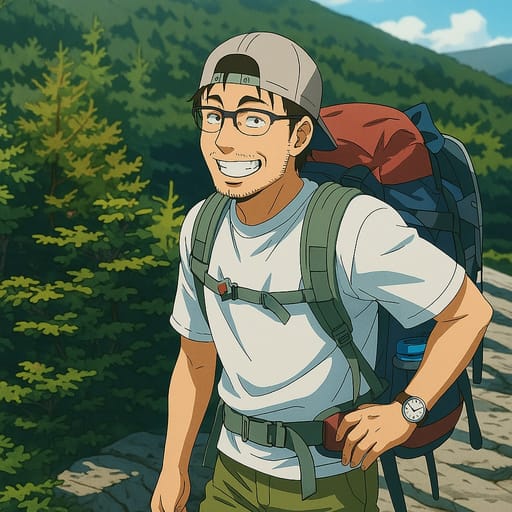
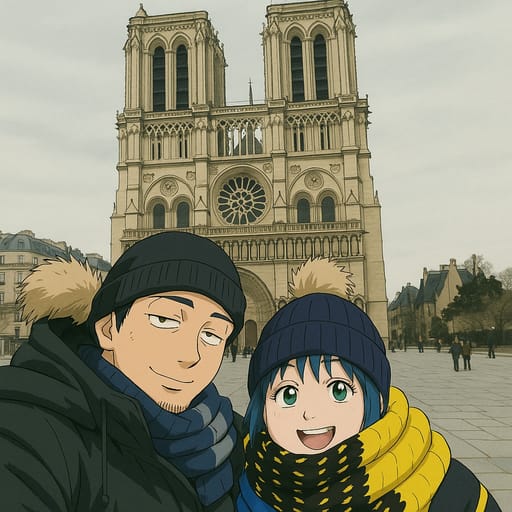
CONVERTED
About Gintama Style
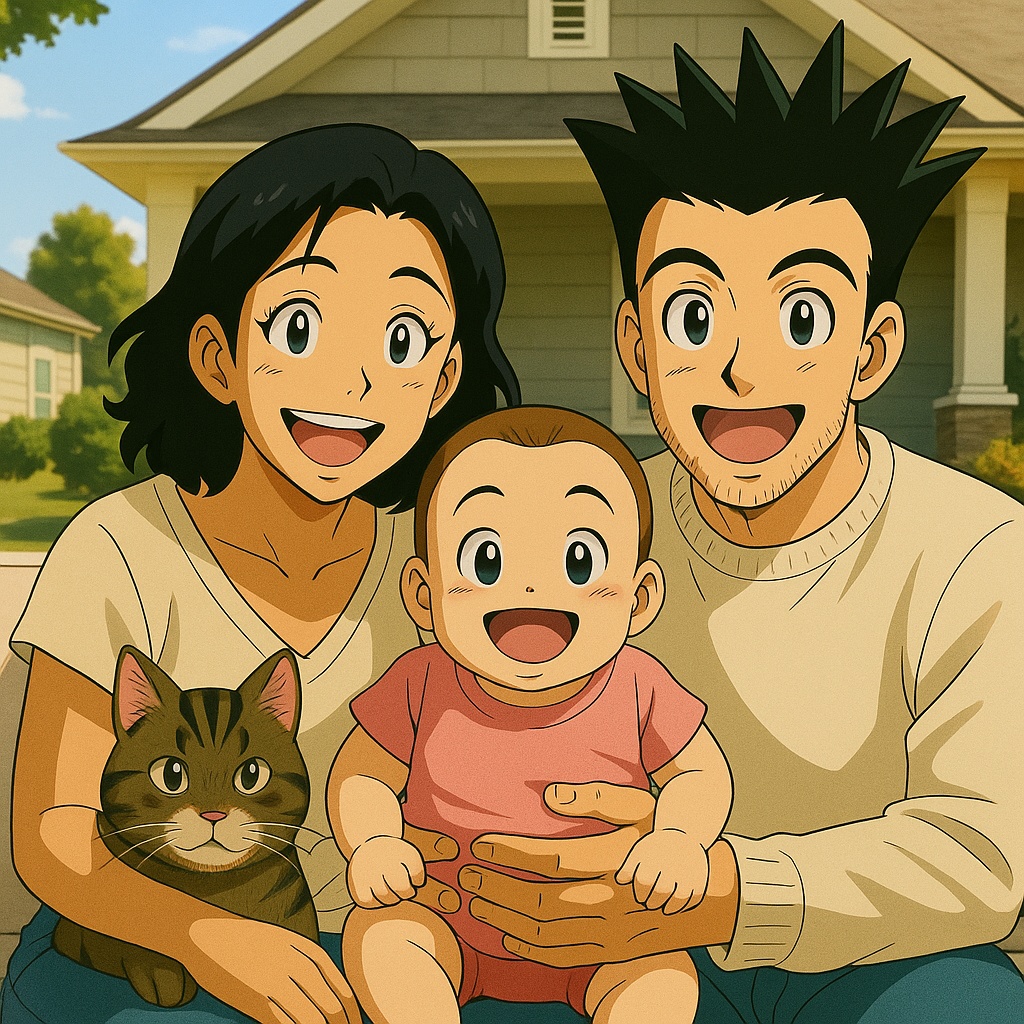
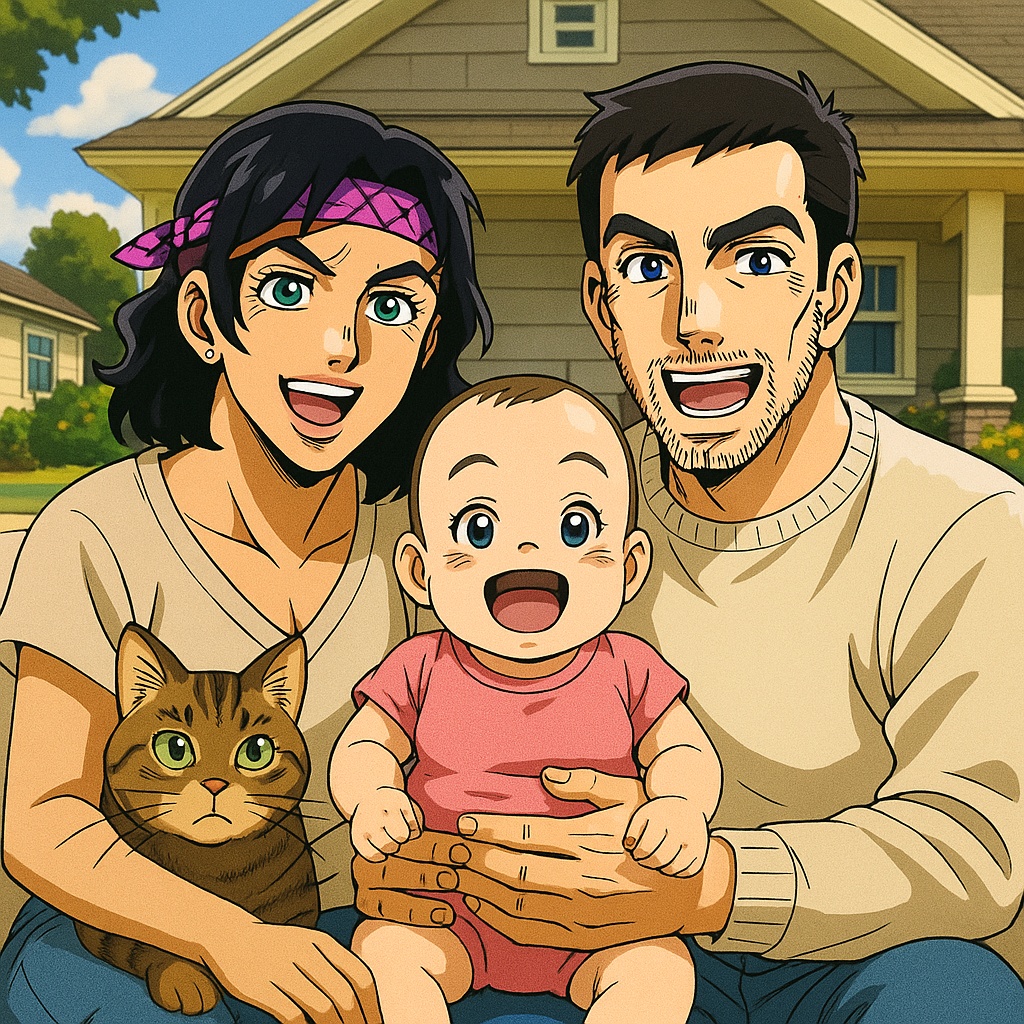
Welcome to Edo, where samurai carry wooden swords and aliens run the government. Gintama, created by Hideaki Sorachi, is one of the most unique anime series ever produced, blending absurd comedy, devastating drama, and stylish action into a show that defies easy categorization. The art style reflects this versatility: characters can shift from exaggerated comedic expressions with simplified features and bulging eyes to stunningly detailed, cinematic compositions during the show's serious arcs. This range is what makes Gintama's visual identity so distinctive in the anime world. What sets the Gintama art style apart is its deliberate flexibility. In comedy scenes, characters are drawn with loose, exaggerated proportions: dead-fish eyes, absurd facial distortions, and simplified bodies that emphasize physical humor. In dramatic and action sequences, the same characters are rendered with sharp detail, intense shading, and dynamic compositions that rival any shonen battle anime. Gintoki's naturally wavy silver hair, Shinpachi's signature glasses, and Kagura's vermillion hair and Chinese-style outfit are all iconic design elements that fans recognize instantly. Our AI has studied Gintama's distinctive art style across hundreds of episodes, learning to capture the show's signature look. The key visual elements include the clean character linework with moderate detail, expressive eyes that range from comedic dead-pan to intense and focused, the warm color palette that defines Edo's streets, and the distinctive character proportions that balance realistic anime anatomy with comedic flexibility. When your photo is transformed, the AI renders you as a character who looks like a genuine resident of Kabuki-cho. The Gintama style works particularly well for group photos. Transform your friend group into an Odd Jobs Gin crew lounging around the Yorozuya office. Turn a family photo into your own Kabuki-cho family with each person's personality shining through their character design. Create couple portraits that capture the show's balance of comedy and genuine emotion. The style's adaptability means it handles any number of people and any mood, from silly to serious. Gintama character creation is popular for a wide variety of uses: social media profile pictures with a comedic edge, personalized keepsakes for fans of the series, group portraits that celebrate friendship in the show's irreverent spirit, and just-for-fun transformations that capture the Odd Jobs vibe. The style's clean lines and balanced detail level make it suitable for both digital sharing and portraits applications like posters, phone cases, and framed art. Whether you have been following Gintoki's adventures since the manga's debut or you are just discovering this beloved series, creating your Gintama character is a way to join one of anime's most entertaining and emotionally resonant worlds. The AI captures not just the visual style but the spirit of the show: irreverent, heartfelt, and always surprising.
How to Make Your Gintama AI Avatar
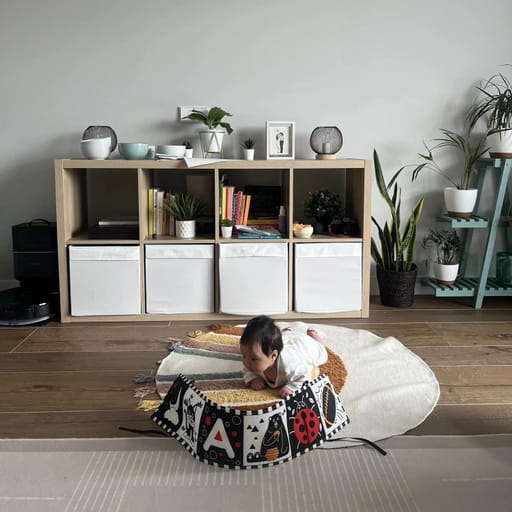
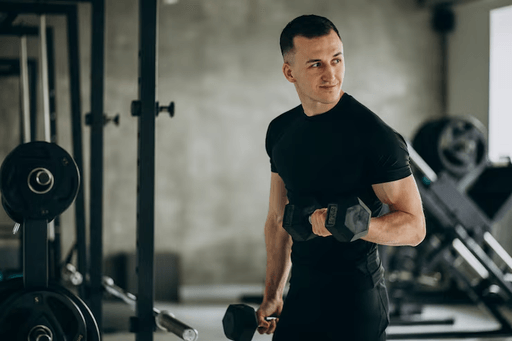
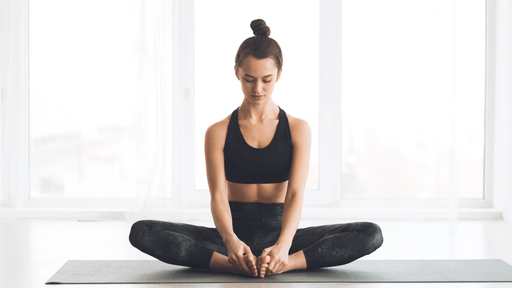
ORIGINAL
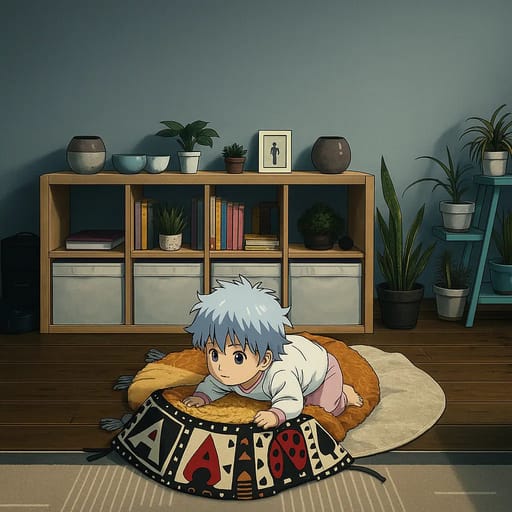
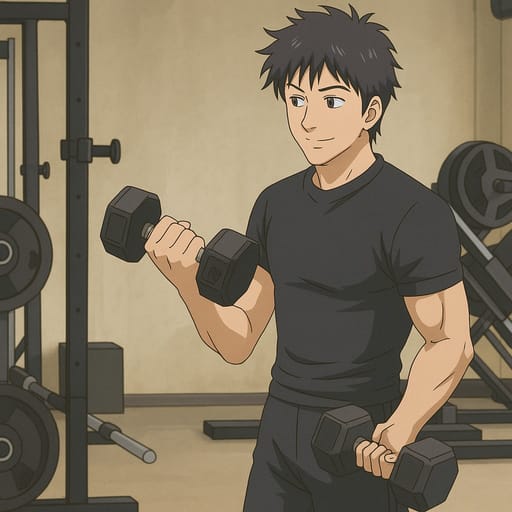
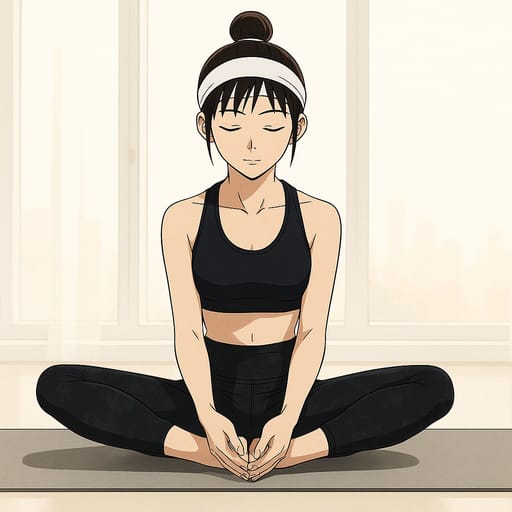
CONVERTED
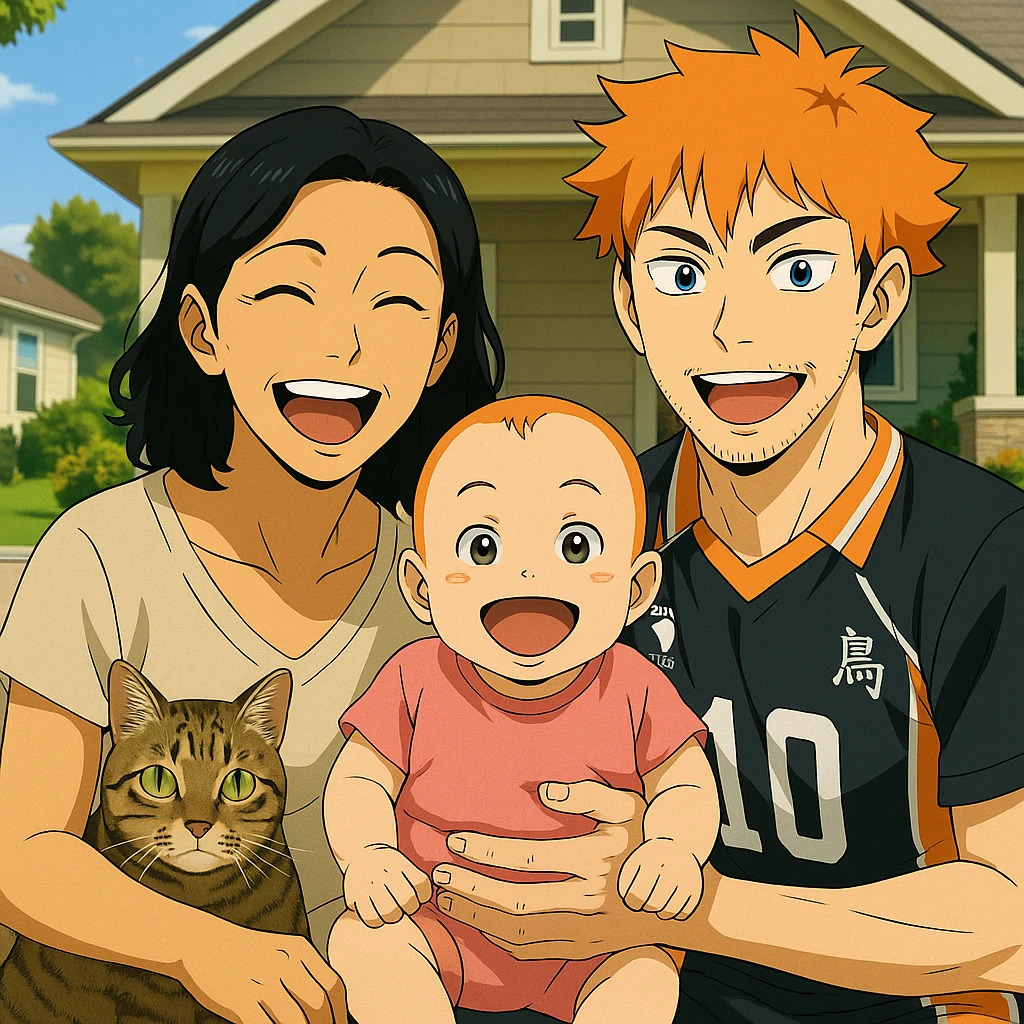
Our AI has been trained on Gintama's distinctive animation style, learning the techniques that bring Hideaki Sorachi's characters to life across the show's remarkable range of tones. It understands how the art shifts between comedy and drama: the simplified, exaggerated features used in humorous scenes and the detailed, sharply rendered designs that appear during action sequences and emotional moments. The transformation process starts with your uploaded photo. The AI maps your facial features onto the Gintama character style: your face shape is adapted with the show's characteristic proportions, your eyes are rendered with that signature expressiveness, and your hair and clothing are translated into the Edo-period-meets-science-fiction aesthetic that defines the series. The result preserves your recognizable features while making you look like an authentic Kabuki-cho resident. For the best Gintama transformation, use a clear, well-lit photo. The style works well with a range of expressions. Deadpan or slightly bored looks capture the classic Gintoki energy, while more animated expressions translate into the show's comedic style. Front-facing photos produce the most recognizable results, but three-quarter angles also work well. Group photos are a natural fit for the Gintama style. The AI handles multiple faces in a single image, giving each person their own unique character design while maintaining the consistent Gintama aesthetic. This makes it ideal for friend group portraits, team photos, and creative projects celebrating the Odd Jobs spirit.
Other Anime You Might Be Interested In
Frequently Asked Questions
How does the AI anime and cartoon converter work?
Tooncraft uses advanced AI technology to analyze your photo and transform it into cartoon or anime style. Simply upload your image, choose your preferred style, and our AI does the rest in seconds.
Is my data safe and private?
Absolutely. We take privacy seriously. Your photos are securely stored, and you can download or delete them at any time. We never share your images with third parties.
What image formats are supported?
Tooncraft supports JPG, PNG, and WEBP formats. For best results, use clear, well-lit photos with the subject facing forward.
How many anime and cartoon styles are available?
We offer 50+ unique cartoon and anime styles, from classic animation like Disney and Studio Ghibli to modern digital art. New styles are added regularly based on user feedback.
Can I use Tooncraft images for commercial purposes?
Yes! Premium subscribers can use their generated images for commercial purposes, including social media marketing, products, and brand materials.
What's the quality of the AI-generated images?
We offer three quality levels: Low (quick previews), Medium (social media ready), and High (professional quality). High quality images are perfect for professional use.
How long does it take to convert a photo to anime style?
Most transformations complete in 10-30 seconds, depending on the quality level selected and current server load. You'll receive a notification when your image is ready.
Can I get a refund if I'm not satisfied?
We offer a 7-day money-back guarantee on all paid plans. If you're not completely satisfied, contact our support team for a full refund.