
The Top 12 Social Media Content Creation Tools for 2026
Discover the 12 best social media content creation tools for 2026. A deep dive into platforms for video, graphics, and AI to boost your engagement.
Staring at a blank screen, wondering how you'll ever create enough content to keep your social media feeds fresh and engaging? We've all been there. The pressure to constantly produce high-quality posts, videos, and stories is immense, but the secret isn't about grinding 24/7. It's about equipping yourself with the right social media content creation tools to work smarter, not harder. This guide is your definitive resource for finding the perfect platforms to streamline your entire creative process, whether you're a streamer needing eye-catching overlays, a marketer designing a campaign, or a parent creating adorable cartoon portraits of your family.
Forget sifting through endless promotional pages and vague feature lists. We're cutting straight to what matters. For each tool, you'll get a practical breakdown that includes:
- Core Features: What the tool actually does best.
- Ideal For: Who will get the most value, from pro gamers to small business owners.
- Pricing Tiers: A clear look at free vs. paid options.
- Honest Pros & Cons: Real-world insights on what works and what doesn't.
We’ve done the heavy lifting to provide a comprehensive look at top-tier options like Canva, CapCut, Adobe Express, and specialized AI art generators like Tooncraft. This curated list is designed to help you build a powerful, efficient, and budget-friendly creative toolkit. Each entry includes direct links and screenshots so you can see the tools in action and decide which ones are the best fit for your specific needs. Let's find the perfect apps to transform your content creation workflow.
1. Tooncraft, Inc.
Tooncraft stands out as a premier AI-powered creative toolkit, specifically engineered to transform standard photos and videos into vibrant, polished anime and cartoon-style visuals. It’s an exceptionally strong choice for creators seeking a unique aesthetic without the steep learning curve of traditional animation software. The platform empowers you to generate high-quality, stylized content in seconds, making it one of the most efficient social media content creation tools for building a distinct visual brand.
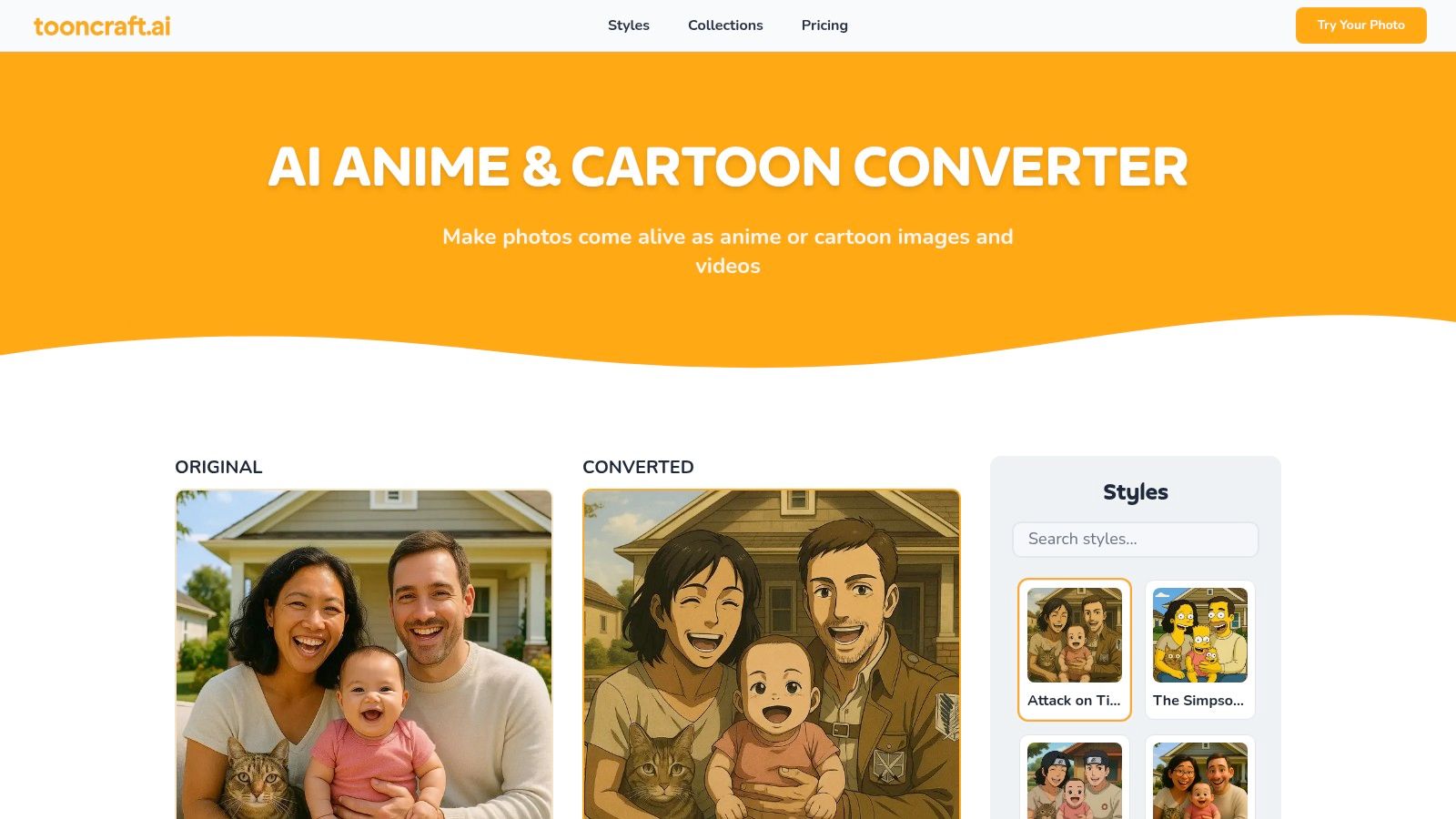
What truly sets Tooncraft apart is its vast library of over 50 recognizable styles, ranging from iconic anime like Naruto and Dragon Ball Z to beloved Western cartoon looks inspired by The Simpsons and Pixar. This variety, combined with its focus on maintaining character consistency across multiple images, allows users to develop a cohesive look for avatars, mascots, and branded content series.
Key Features & Use Cases
Tooncraft is designed for versatility, serving everyone from streamers to small businesses.
- Core Functionality: AI-powered image and video conversion, character consistency for creating expression libraries, and parallel processing for faster batch creations.
- Best For: Streamers and influencers creating unique social media avatars, families commissioning custom portraits, businesses designing brand mascots, and anime fans generating stylized fan art.
- Practical Tip: Use the character consistency feature to generate a set of avatars with different expressions (happy, surprised, focused) for use across Twitch, YouTube, and Discord to maintain a cohesive online identity.
Pricing Model
Tooncraft utilizes a straightforward, user-friendly credit system where credits never expire. This one-time purchase model is a refreshing alternative to recurring subscriptions.
| Pack Name | Price | Credits | Key Perks |
|---|---|---|---|
| Starter Pack | $3.99 | 125 | Watermark-free output |
| Value Pack | $9.99 | 400 | +28% free credits, 4 parallel conversions |
| Power Pack | $24.99 | 1200 | +53% free credits, AI video convert, priority support |
Pros & Cons
- Pros:
- Massive style library ensures authentic, on-brand conversions.
- Flexible outputs include both images and AI video. You can get tips on how to create AI videos on Tooncraft.ai.
- Transparent, non-expiring credit pricing is budget-friendly.
- Outputs are watermark-free and ready for merchandising.
- Cons:
- Key features like AI video conversion are exclusive to the highest-tier Power Pack.
- Commercial use of styles mimicking copyrighted franchises may require careful review of the platform's terms of service.
Website: https://tooncraft.ai
2. Canva
Canva is the undisputed champion of accessible design, making it one of the most essential social media content creation tools for creators and small teams. It’s an all-in-one platform where you can design everything from Instagram stories and TikTok videos to multi-page carousels and professional-looking ad creatives, often in just a few minutes. Its biggest strength lies in its massive library of templates and assets, which empowers non-designers to produce polished content without a steep learning curve.
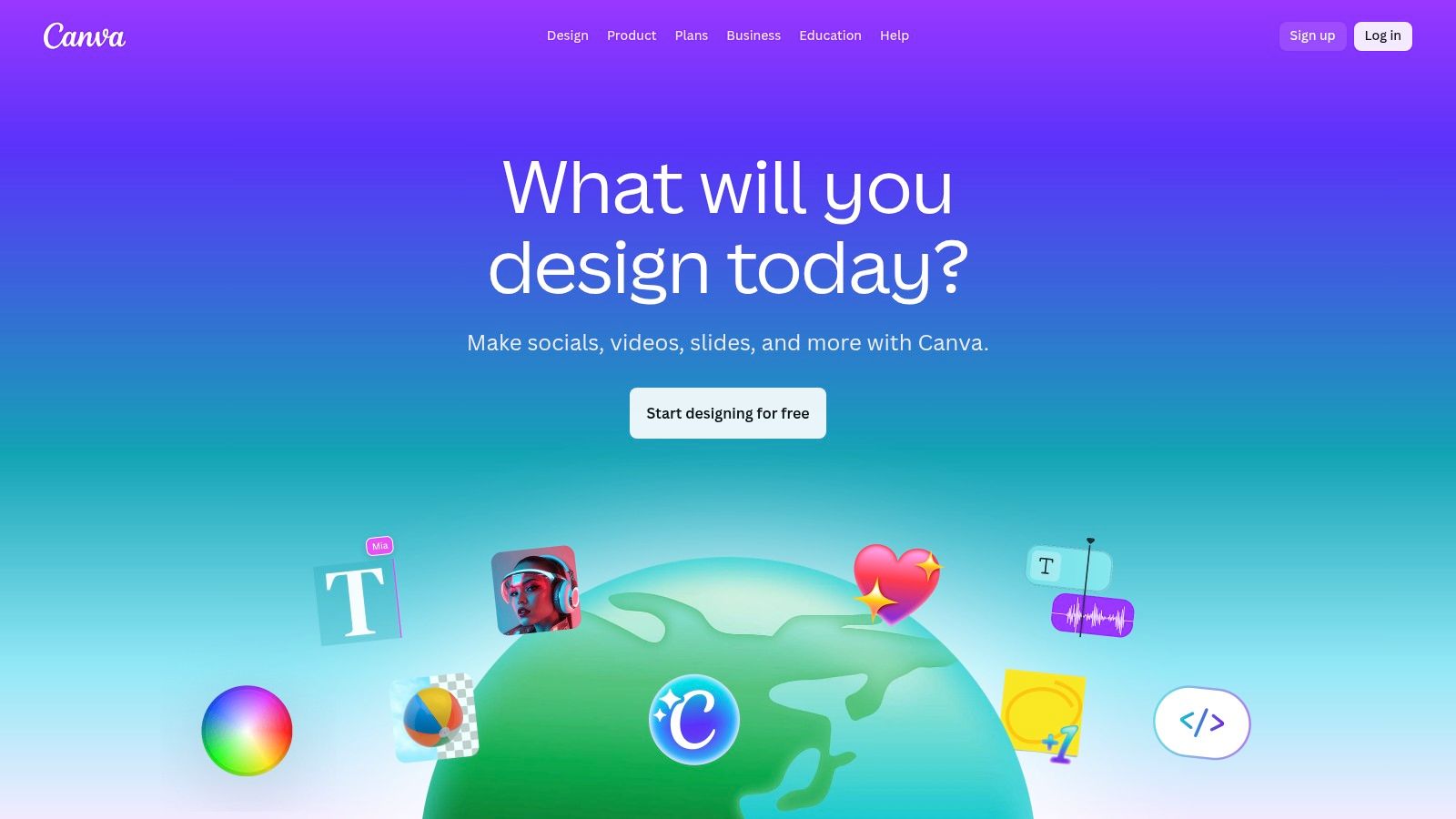
The platform is incredibly intuitive, with a drag-and-drop interface that feels natural on both desktop and mobile. Its suite of over 25 AI-powered "Magic Studio" tools is a game-changer for repurposing content. You can use Magic Switch to instantly resize a YouTube thumbnail into a Twitter post or use Magic Write to brainstorm caption ideas on the fly. Collaboration is also seamless, allowing team members to comment and edit designs in real-time.
Key Features & Ideal Use Cases
- Best For: Solo creators, social media managers, and small business teams who need to produce high-quality, branded content quickly without specialized design skills.
- Core Features:
- Vast Asset Library: Access over 100 million premium stock photos, graphics, videos, and audio tracks with a Pro plan.
- Magic Studio (AI Tools): Includes AI-powered background removal, text-to-image generation, and instant resizing for different platforms.
- Brand Kit: Store your brand’s logos, colors, and fonts to maintain consistency across all designs.
- Content Planner & Scheduler: Design and schedule posts directly to platforms like Instagram, Facebook, and LinkedIn.
| Plan | Price (per person/month) | Key Highlight |
|---|---|---|
| Free | $0 | Great for basic designs with 1M+ free assets. |
| Canva Pro | $14.99 (monthly) | Unlocks premium templates, Brand Kit, and AI tools. |
| Canva for Teams | $29.99 (for 5 people) | Adds collaboration features and team reporting. |
Website: https://www.canva.com
3. Adobe Express
For creators already within the Adobe ecosystem, Adobe Express is a powerhouse among social media content creation tools, bridging the gap between professional-grade apps like Photoshop and rapid, template-based creation. It’s designed for speed, allowing users to build stunning social graphics, short videos, and web pages using a streamlined, intuitive interface. Its key differentiator is the deep integration with the Adobe Creative Cloud and the commercially safe Firefly generative AI.
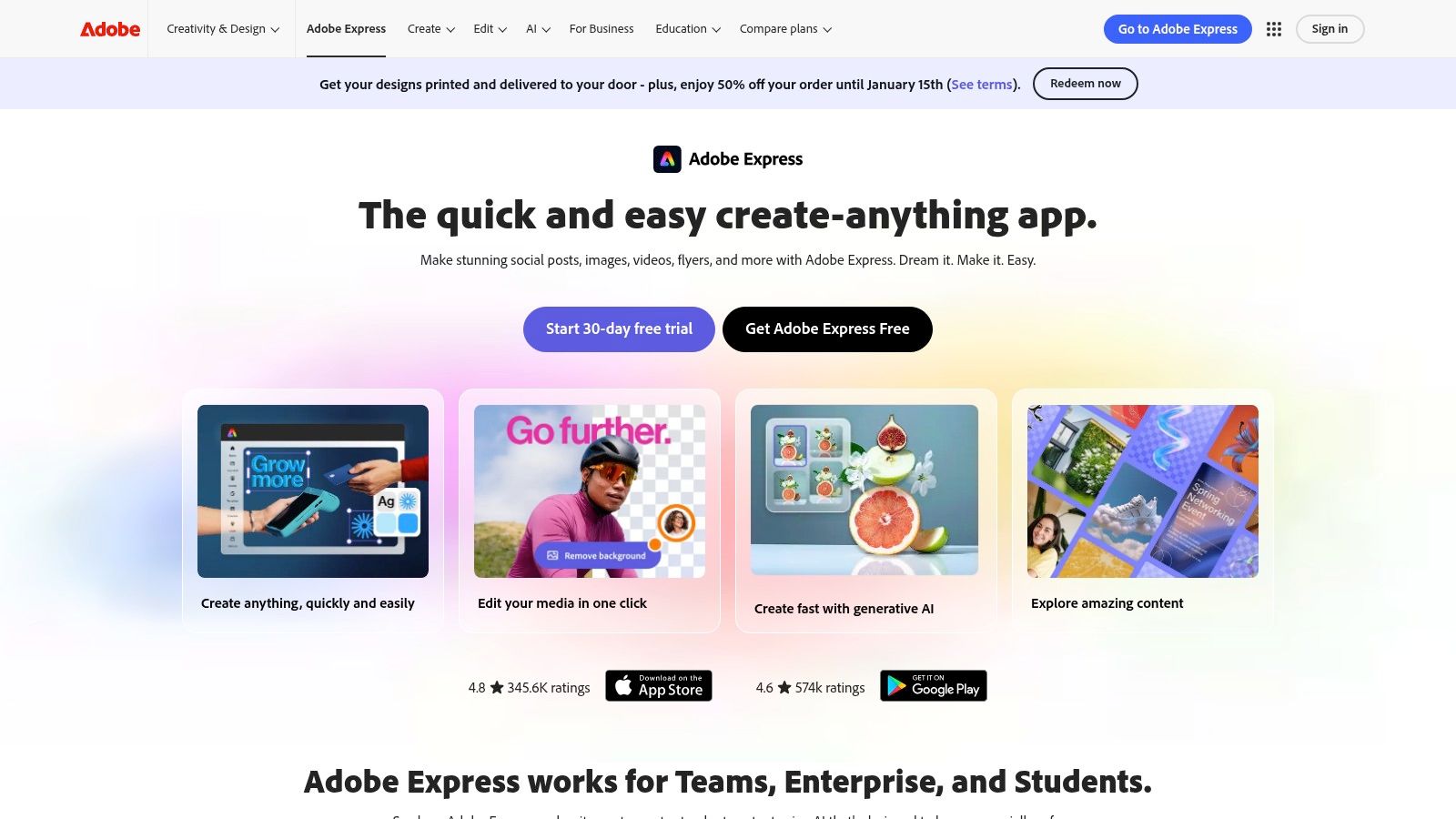
Adobe Express excels at maintaining brand consistency and high-quality visuals, especially for those who need to move assets between it and more complex Adobe software. You can edit a Photoshop (PSD) file directly in Express, apply a quick animation, and schedule it to your social channels without leaving the app. The inclusion of Adobe Firefly AI allows for powerful text-to-image generation and text effects, all while being trained on Adobe Stock’s licensed library, which provides a layer of commercial safety.
Key Features & Ideal Use Cases
- Best For: Marketers, designers, and content creators who use other Adobe products (like Photoshop or Illustrator) and need a fast, integrated tool for social media content.
- Core Features:
- Adobe Firefly Generative AI: Create commercially safe images and text effects from simple text prompts.
- Linked Assets & Libraries: Seamlessly import and sync assets like logos and graphics from your Creative Cloud Libraries.
- Vast Asset Collection: The Premium plan includes the entire collection of over 200 million royalty-free Adobe Stock photos, videos, and music.
- All-in-One Content Scheduler: Plan, preview, and schedule content to platforms like Instagram, Facebook, TikTok, and more.
| Plan | Price (per person/month) | Key Highlight |
|---|---|---|
| Free | $0 | Basic editing, thousands of templates, and 25 generative AI credits. |
| Premium | $9.99 (monthly) | Unlocks all premium assets, 250 AI credits, and the content scheduler. |
| Creative Cloud All Apps | $59.99 (monthly) | Includes Premium Express plus 20+ apps like Photoshop and Premiere Pro. |
Website: https://www.adobe.com/express
4. CapCut
CapCut has rapidly become the go-to video editor for short-form content, making it an indispensable tool for creators focused on TikTok, Reels, and YouTube Shorts. Originally a mobile-first app, it now offers a powerful cross-platform experience, including a robust desktop app and web editor. Its main advantage is a feature-rich free version that provides tools often locked behind a paywall in other social media content creation tools, like auto-captions and background removal.
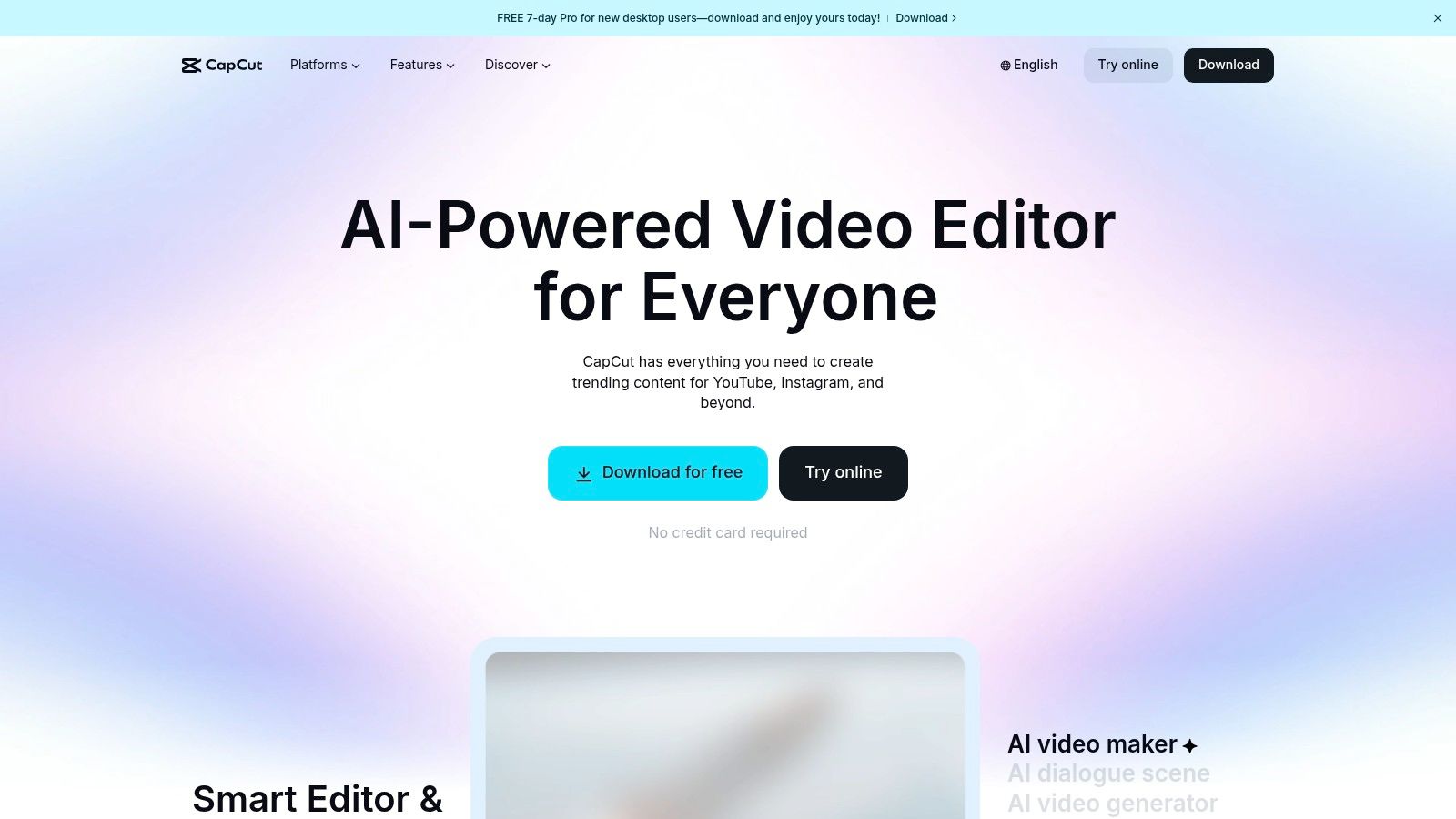
The platform is designed for speed and is packed with trending effects, transitions, and audio clips that are perfect for viral-style content. CapCut’s AI-powered features are incredibly practical; its auto-captioning is remarkably accurate and saves creators hours of manual work. The cloud sync feature allows users to start a project on their phone and finish it on their desktop, creating a flexible and efficient workflow for content production on the move. As you create, it's wise to stay updated on content standards; you can learn more about how AI helps keep platforms safe by understanding AI video moderation guidelines.
Key Features & Ideal Use Cases
- Best For: TikTok and Instagram creators, social media managers, and anyone needing to produce engaging, trend-driven vertical videos quickly and efficiently.
- Core Features:
- AI-Powered Tools: Includes highly accurate auto-captions, one-click background removal, video upscaling, and noise reduction.
- Templates & Effects Library: A massive, constantly updated library of templates, effects, filters, and trending sounds.
- Cloud Projects: Sync and edit projects seamlessly across mobile, desktop, and web versions.
- Advanced Editing Tools: Offers features like keyframe animation, motion tracking, and speed curves for more complex edits.
| Plan | Price (per person/month) | Key Highlight |
|---|---|---|
| Free | $0 | Unlocks most core editing tools, including auto-captions. |
| CapCut Pro | ~$7.99 (monthly) | Access to premium effects, cloud storage, and advanced AI tools. |
Website: https://www.capcut.com
5. Descript
Descript flips video and audio editing on its head, making it one of the most innovative social media content creation tools for creators who work with spoken-word content. Instead of wrestling with a traditional timeline, you edit your media by simply editing a text transcript. Want to remove an "um" or a tangent from your video? Just find the word in the transcript and delete it. This text-based approach is incredibly fast for turning long recordings, like podcasts or interviews, into shareable social media clips.
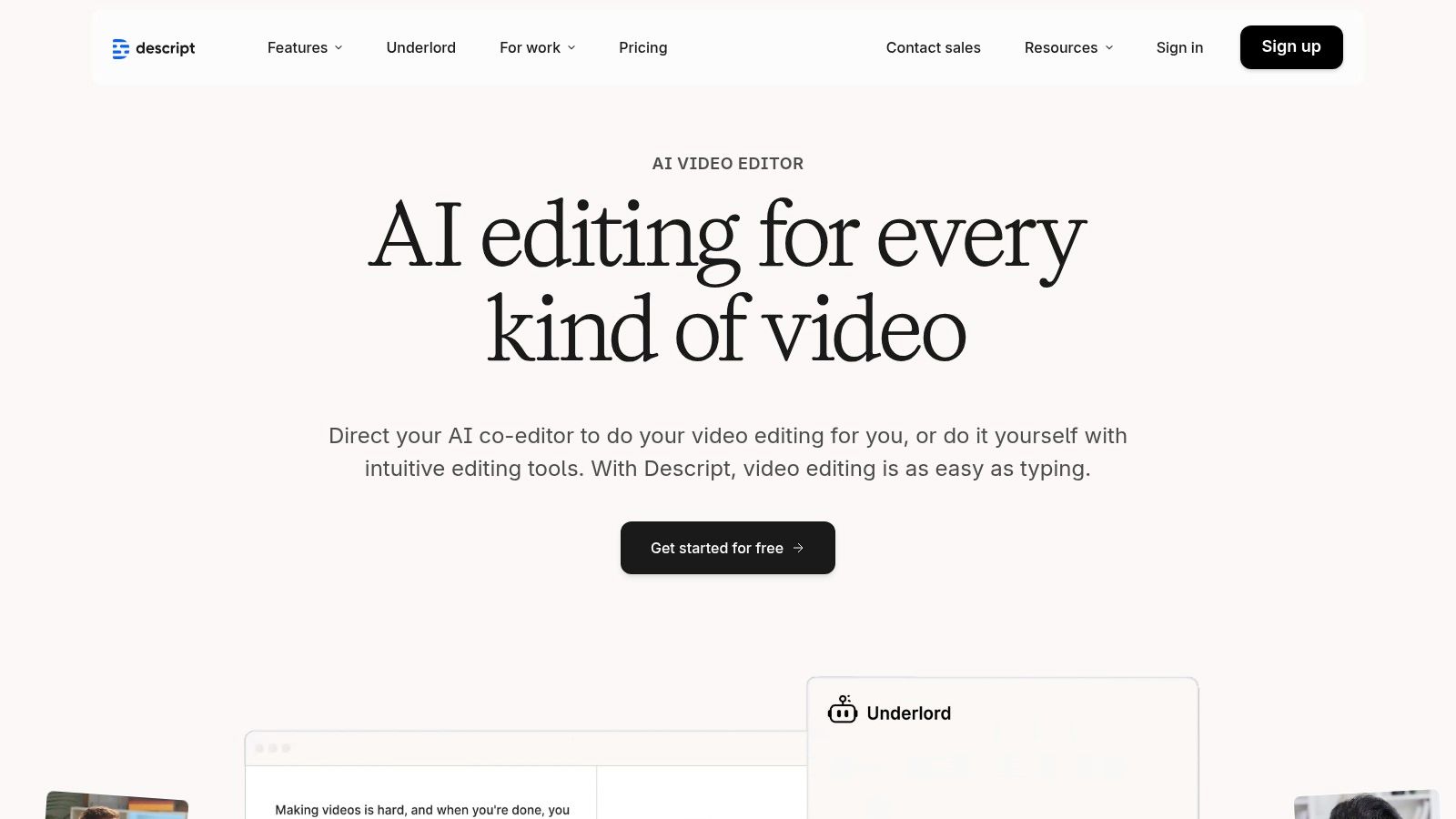
The platform is packed with powerful AI features that streamline post-production. Studio Sound removes background noise and enhances voice quality with a single click, making any recording sound professionally produced. Overdub lets you clone your own voice to correct mistakes or add new words without re-recording. This makes Descript an indispensable tool for podcasters, YouTubers, and marketers creating talking-head videos, as it dramatically reduces the time spent on tedious editing tasks.
Key Features & Ideal Use Cases
- Best For: Podcasters, video course creators, and social media managers who need to quickly edit and repurpose talking-head videos and audio clips for platforms like Instagram Reels, TikTok, and YouTube Shorts.
- Core Features:
- Text-Based Editing: Edit video and audio by editing the automatically generated transcript.
- Studio Sound: One-click AI audio enhancement that removes noise and echo for crystal-clear sound.
- Overdub: Create an ultra-realistic clone of your own voice to fix audio errors or generate new content.
- Dynamic Captions & Templates: Easily create stylized, animated captions and save templates for future projects.
| Plan | Price (per person/month) | Key Highlight |
|---|---|---|
| Free | $0 | Great for trying the core editor with 1 hour of transcription. |
| Creator | $15 (monthly) | Unlocks watermark-free exports and 10 hours of transcription. |
| Pro | $30 (monthly) | Includes unlimited Overdub, Studio Sound, and 30 hours of transcription. |
Website: https://www.descript.com
6. Kapwing
Kapwing is a powerful, browser-based video editor that excels at one of the most time-consuming tasks for creators: repurposing. It’s one of the top social media content creation tools for turning a single long-form video into dozens of clips formatted perfectly for TikTok, Reels, and Shorts. Its collaborative nature means teams can work together on a project in real-time without downloading any software, making feedback and edits incredibly efficient.
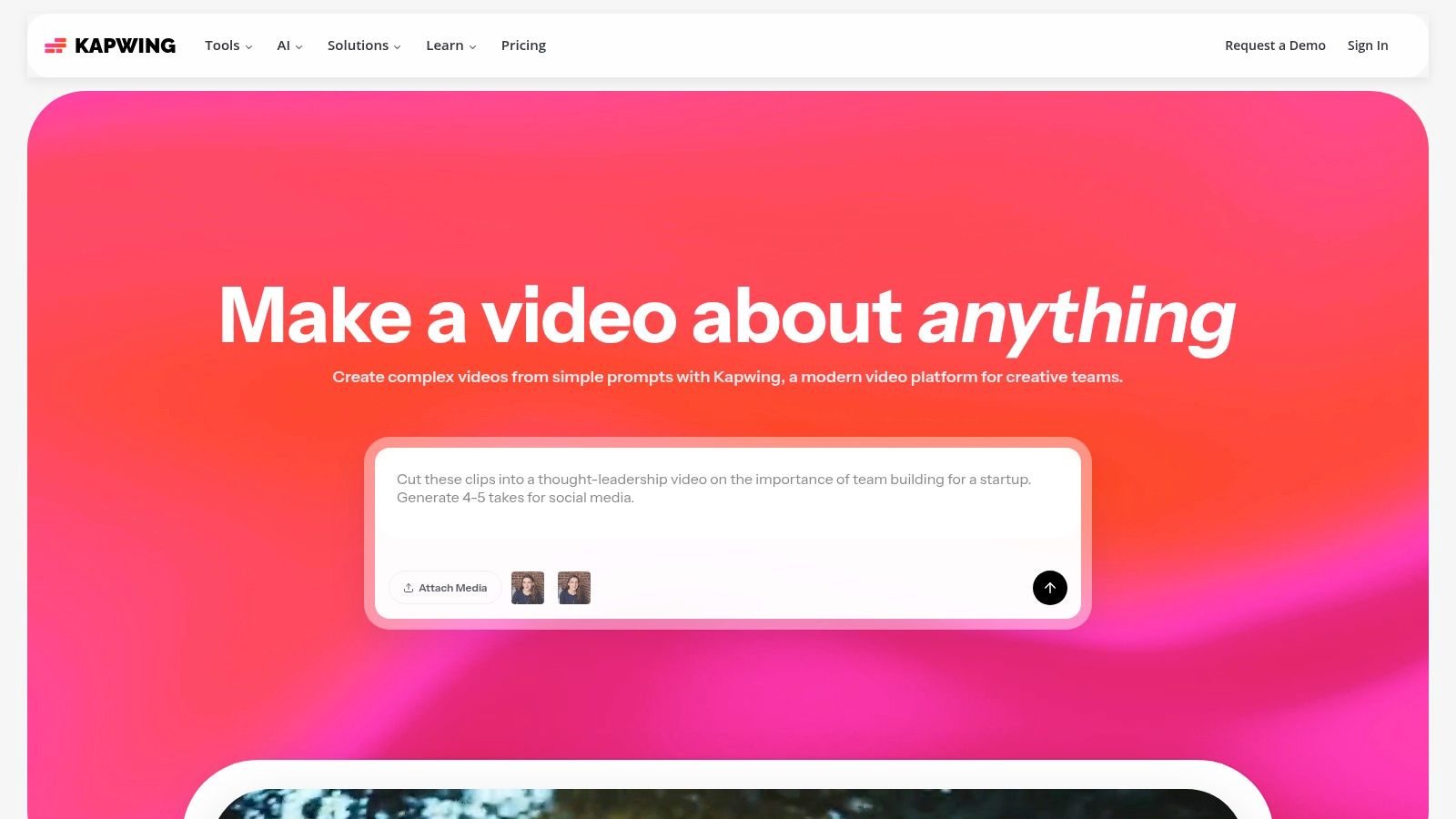
The platform is packed with AI features designed to streamline workflows. You can automatically generate subtitles in over 70 languages, use AI to find and clip the most engaging moments from a video, and even dub your content with realistic lip-syncing for international audiences. Kapwing’s smart resizer with "safe zones" ensures your captions and on-screen elements are never cut off by platform interfaces, saving you from constant tweaks and re-exports.
Key Features & Ideal Use Cases
- Best For: Content teams, podcasters, and creators who need a fast, collaborative solution for repurposing long-form video into multiple short-form assets.
- Core Features:
- AI Repurposing Tools: Includes AI-powered dubbing and lip-sync in 40+ languages, auto-subtitling, and smart clipping to find viral moments.
- Collaborative Workspace: Edit videos with your team in a shared, cloud-based workspace with real-time commenting and editing.
- Platform-Safe Resizer: Instantly resize videos for any social platform with visual guides to avoid interface obstructions.
- Templates & Brand Kit: Maintain brand consistency with a storable brand kit and use templates to speed up creation.
| Plan | Price (per person/month) | Key Highlight |
|---|---|---|
| Free | $0 | Great for trying features, but exports are watermarked. |
| Pro | $24 (monthly) | No watermark, 4K exports, and access to all AI features. |
| For Teams | $24 (monthly, per user) | Adds consolidated billing and unlimited Brand Kits. |
Website: https://www.kapwing.com
7. VEED
VEED is a powerful, browser-based video editor that has carved out a niche as one of the go-to social media content creation tools for creators who prioritize speed and accessibility. Its core strength is making complex video editing tasks, like adding subtitles and translations, incredibly simple. The platform is designed for the fast-paced nature of social media, allowing users to quickly trim clips, add text overlays, and apply effects without getting bogged down in technical settings.
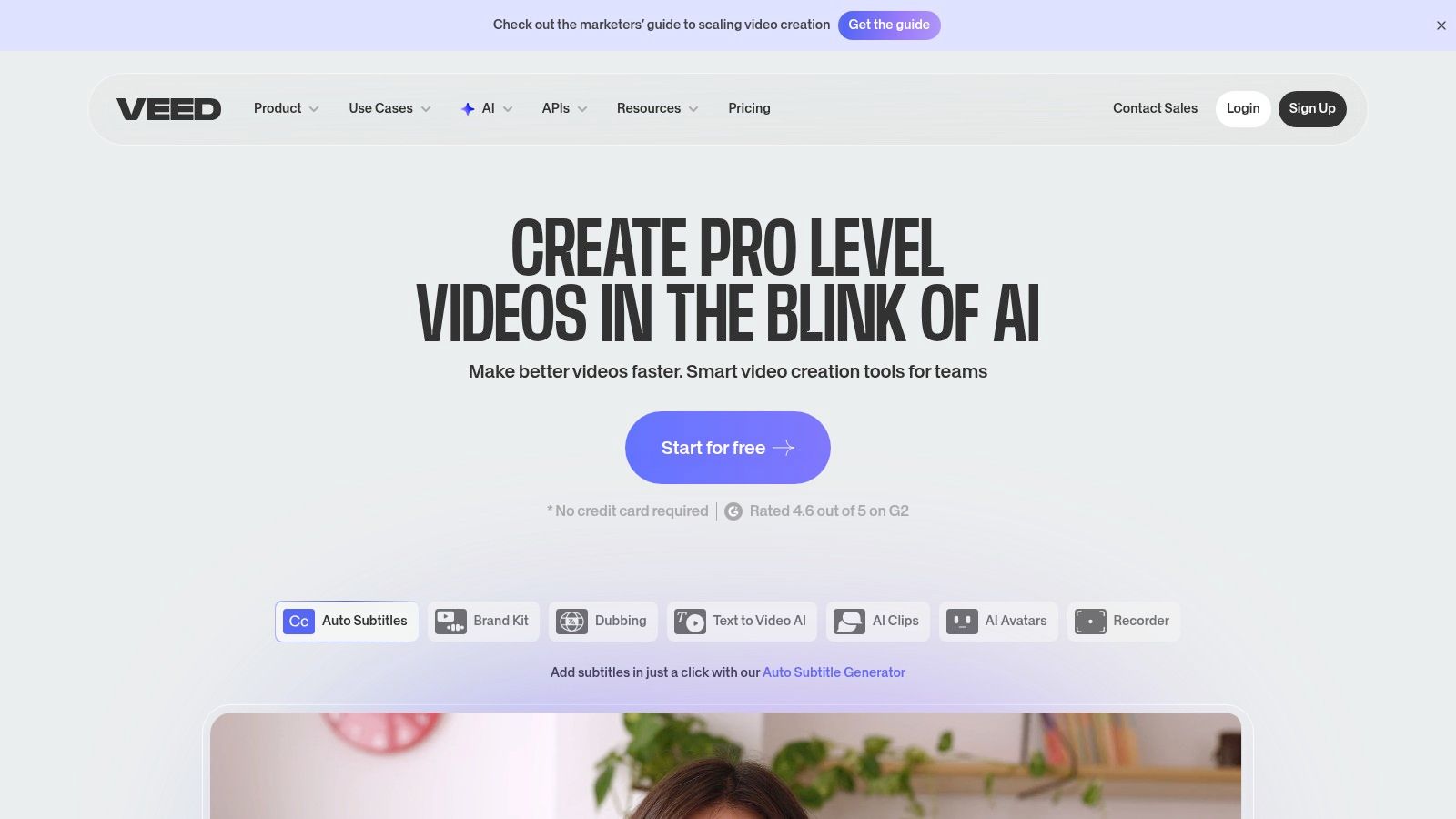
The user interface is clean and intuitive, making it easy for beginners to jump right in and start creating professional-looking video content. VEED excels at repurposing content; you can record your screen and webcam, automatically generate subtitles for a podcast clip, and then resize the video for TikTok, YouTube Shorts, and Instagram Reels in minutes. Its AI-powered tools, like text-to-speech and background noise removal, further streamline the workflow for busy creators.
Key Features & Ideal Use Cases
- Best For: Podcasters, course creators, and social media managers who need to create accessible, subtitled video content quickly and efficiently.
- Core Features:
- Auto Subtitles & Translation: Automatically generate accurate captions and translate them into multiple languages with one click.
- Screen & Webcam Recorder: Easily capture tutorials, presentations, or video messages directly within the editor.
- Brand Kit: Upload and store brand assets like logos, fonts, and color palettes to maintain a consistent look across all videos.
- AI Toolkit: Includes features like an AI avatar generator, text-to-speech voiceovers, and an AI image generator to enhance content.
| Plan | Price (per person/month, billed annually) | Key Highlight |
|---|---|---|
| Free | $0 | Basic editing on projects under 10 mins with a watermark. |
| Basic | $12 | Removes watermark and unlocks auto-subtitles. |
| Pro | $24 | Adds Brand Kit, stock assets, and translation features. |
| Business | $59 | Advanced collaboration, analytics, and custom templates. |
Website: https://www.veed.io
8. InVideo
InVideo is a powerful AI-driven video generator that has rapidly become one of the most talked-about social media content creation tools for producing short-form content. Its primary strength is turning a simple text prompt into a fully edited video, complete with stock footage, voiceovers, background music, and captions. This makes it incredibly efficient for creating faceless content, explainer videos, or social media ads without needing any editing experience.
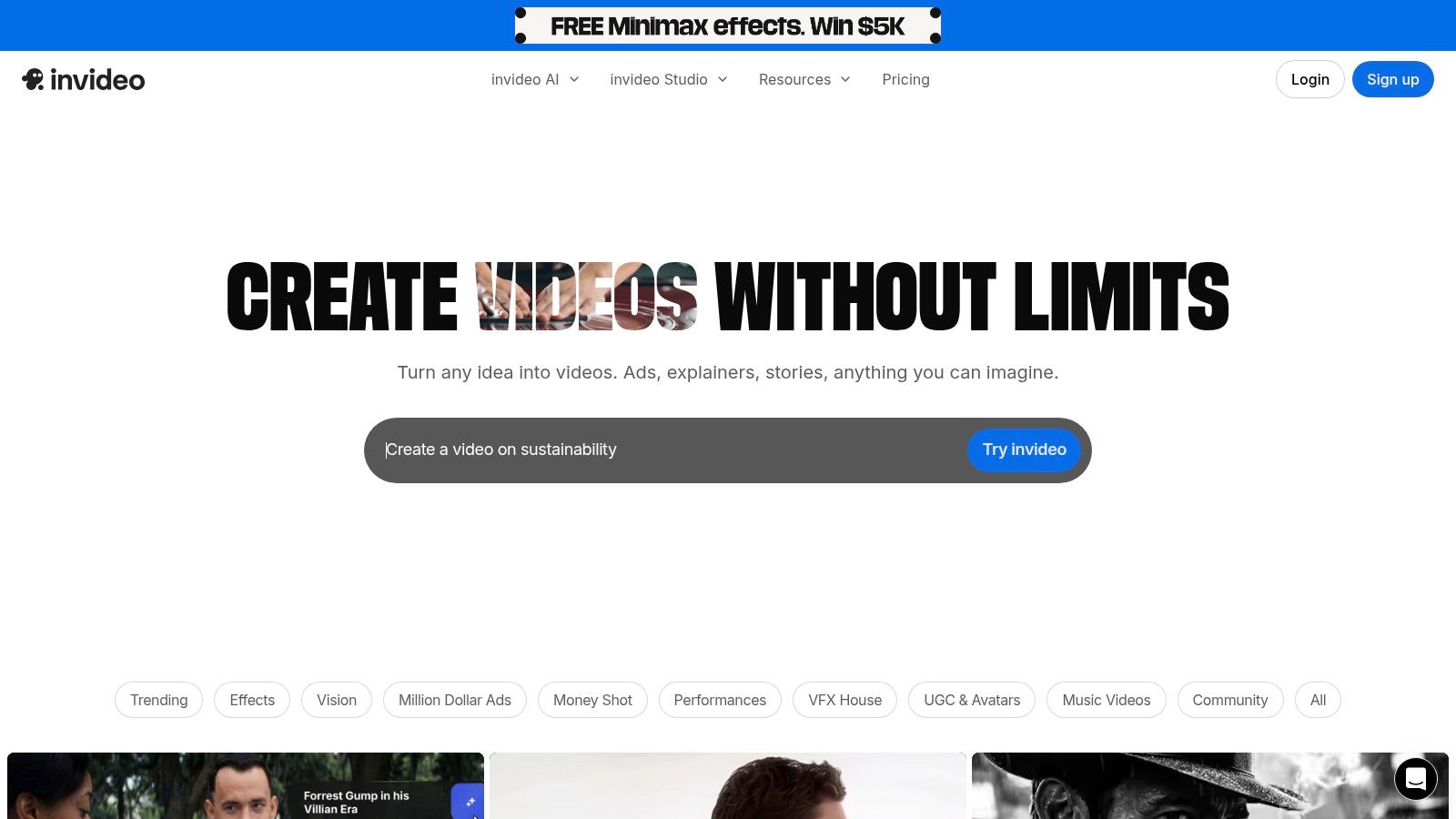
The platform’s workflow is designed for speed, allowing you to go from an idea to a shareable draft for TikTok, Reels, or YouTube Shorts in minutes. You simply provide a prompt, select your target audience and platform, and let the AI build the initial video. From there, you can easily tweak scenes, replace stock assets, and change the script using an intuitive editor. Its continuous product updates are heavily focused on enhancing its AI generation, making the output more refined over time.
Key Features & Ideal Use Cases
- Best For: Content creators and marketers who need to produce a high volume of short-form videos (like listicles, ads, or educational clips) with minimal time and effort.
- Core Features:
- AI Prompt-to-Video: Generate complete videos from a single text description, including script, visuals, and voiceover.
- Massive Stock Library: Integrated access to millions of premium stock photos and videos from sources like iStock.
- AI Voiceovers & Avatars: Create realistic voiceovers in multiple languages or use AI avatars to present content.
- Pre-made Templates: Start with templates optimized for specific platforms and video styles.
| Plan | Price (per person/month) | Key Highlight |
|---|---|---|
| Free | $0 | Great for testing, but exports are watermarked. |
| Plus | $25 | Removes watermark, more AI credits and stock assets. |
| Max | $60 | Higher limits on AI generation and premium assets. |
Website: https://invideo.io
9. Envato Elements
Envato Elements is an "all-you-can-eat" subscription service that provides an enormous library of creative assets, making it an indispensable resource for prolific social media content creation tools. Instead of buying assets one by one, a single subscription grants unlimited downloads of everything from high-quality video templates and stock footage to royalty-free music, sound effects, and professional fonts. This model is a game-changer for creators who need a constant supply of fresh assets to keep their content engaging and on-trend.
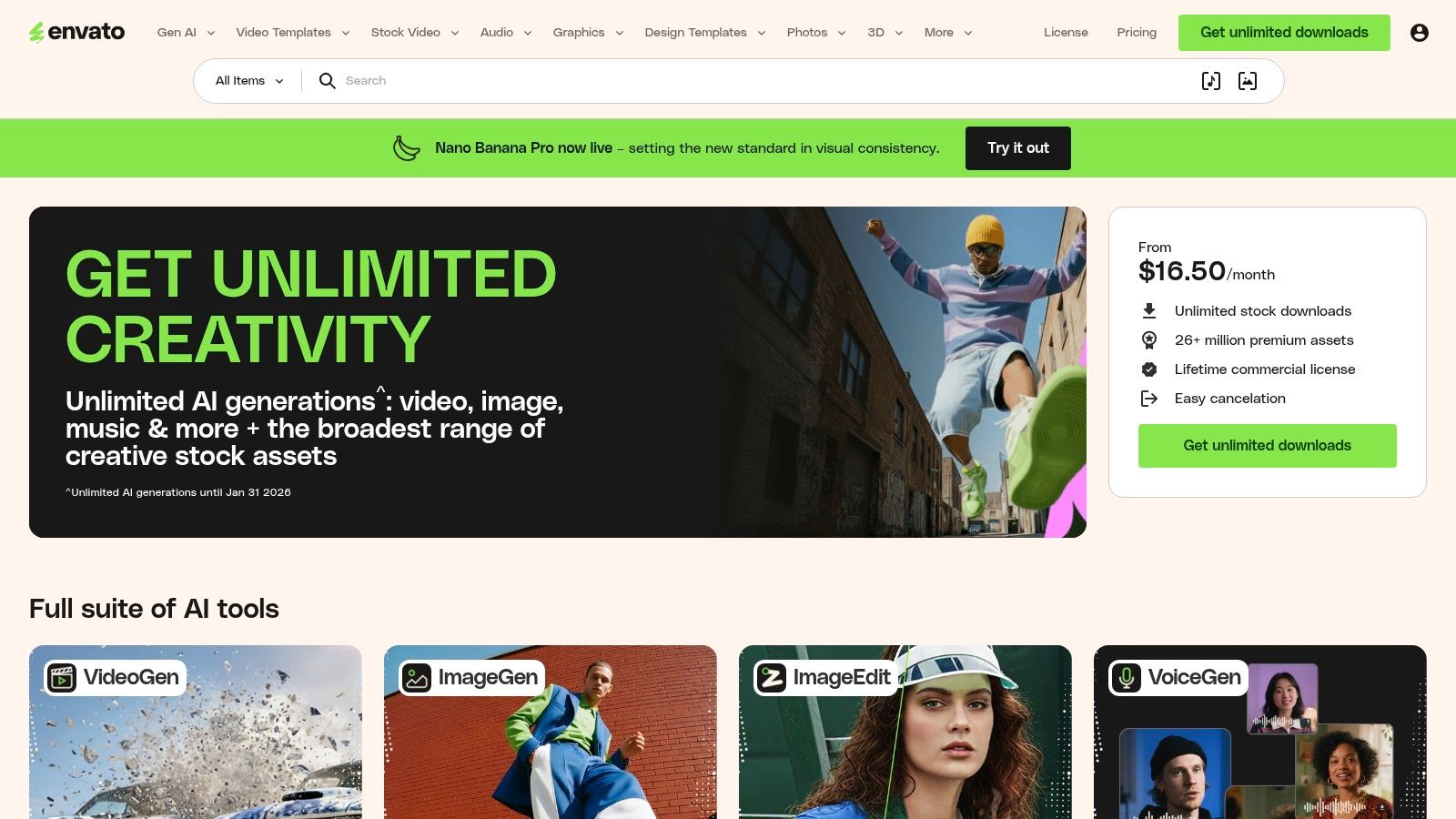
The platform’s key advantage is its sheer value and straightforward licensing. You can download a video template for an Instagram Reel, grab a background track for a YouTube video, and find a unique font for a thumbnail all under one simple commercial license. The assets are high-quality and curated, but the unlimited model means you must be selective to avoid a generic look. For those looking to elevate their video projects even further, using assets from Envato Elements is a great way to create compelling video content.
Key Features & Ideal Use Cases
- Best For: Video-centric creators, freelancers, and agencies who regularly need a wide variety of assets like video templates, music, and graphics without per-item costs.
- Core Features:
- Unlimited Downloads: Access millions of creative assets across video, music, graphics, photos, fonts, and more.
- Simple Commercial License: All items come with a broad commercial license, and you can register a license for each project use.
- Massive Template Library: Includes thousands of templates for After Effects, Premiere Pro, and other video editing software.
- AI-Powered Search: Smart search helps you find the perfect asset quickly from the vast library.
| Plan | Price (per person/month) | Key Highlight |
|---|---|---|
| Individual | $16.50 (billed annually) | Unlimited downloads of 16M+ creative assets for one person. |
| Teams | Starting at $29.00 (2 members) | Adds team management features and shared asset libraries. |
| Enterprise | Custom Pricing | Tailored solutions for large organizations with custom licensing. |
Website: https://elements.envato.com
10. Placeit by Envato
Placeit by Envato is a powerhouse for creating professional mockups, logos, and video templates without needing any design expertise. As one of the most practical social media content creation tools, it excels at letting you visualize your products or brand on everything from t-shirts and mugs to phone screens and billboards. Instead of wrestling with complex software, you can generate high-quality, realistic assets in just a few clicks directly in your browser.
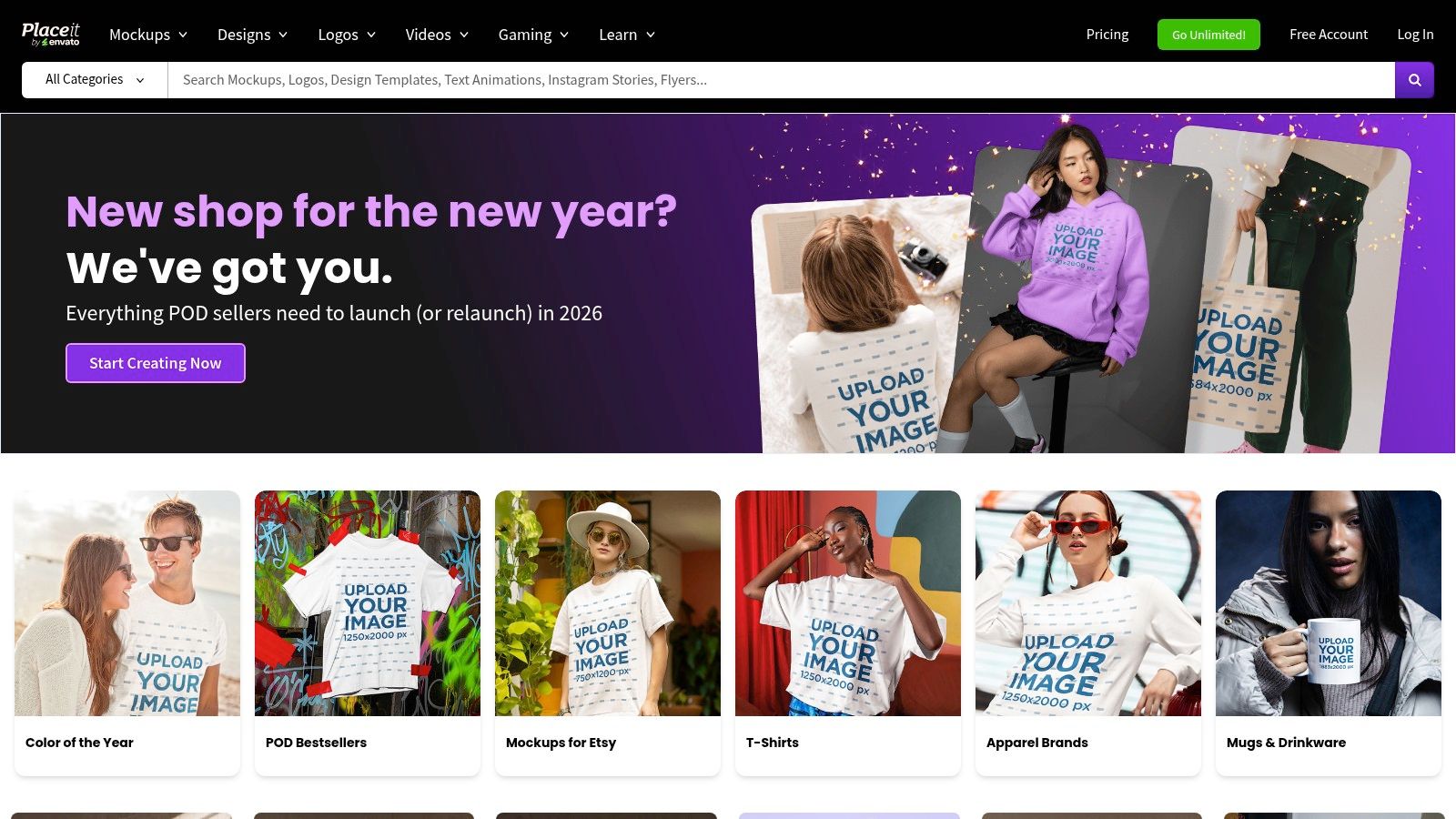
The platform is incredibly user-friendly; simply choose a template, upload your design, and Placeit automatically renders it into a stunning, share-worthy image or video. This is a game-changer for e-commerce brands, streamers needing merchandise shots, or marketers looking to create quick video intros and logo stingers. Its massive library ensures you can find a template for almost any scenario, from social media video ads to Twitch stream overlays.
Key Features & Ideal Use Cases
- Best For: E-commerce businesses, podcasters, streamers, and marketers who need to create professional-looking mockups and video assets quickly and affordably.
- Core Features:
- Massive Mockup Library: Thousands of photo and video mockups for apparel, digital devices, print materials, and more.
- Design & Video Templates: Ready-to-edit templates for social media posts, stories, video intros, and animated logos.
- Logo Maker: An intuitive tool for generating unique logos without hiring a designer.
- Simple In-Browser Editor: No software downloads needed; customize everything directly on the website for fast exports.
| Plan | Price (per month) | Key Highlight |
|---|---|---|
| Free | $0 | Access to a limited selection of free templates. |
| Unlimited Subscription | $14.95 (monthly) | Unlimited access to all mockups, designs, and videos. |
| Annual Subscription | $7.47 (billed annually) | Best value for frequent users with a significant discount. |
Website: https://placeit.net
11. Buffer
Buffer is a streamlined and intuitive platform focused on the planning, scheduling, and publishing side of social media management. While not a design tool in itself, it’s one of the most critical social media content creation tools for organizing your workflow once your visuals are ready. It excels at helping you maintain a consistent posting cadence across multiple platforms without the chaos of manual posting. Its clean interface and logical workflow make it a favorite among creators who value simplicity and efficiency.
The platform’s strength lies in its powerful scheduling and collaboration features. You can use the visual calendar to map out your content for the week or month, schedule the first comment on Instagram posts to hide hashtags, and use the AI Assistant to brainstorm post ideas or rewrite captions. Integrations with tools like Canva and Google Drive mean you can pull your finished designs directly into your content calendar, making Buffer the final and crucial step in the content creation process.
Key Features & Ideal Use Cases
- Best For: Social media managers, agencies, and brands who need a reliable tool to schedule and analyze content after it has been designed elsewhere.
- Core Features:
- AI Assistant: Generate content ideas, write posts from scratch, and repurpose content for different channels.
- Publishing & Scheduling: Plan content in a visual calendar, set custom posting schedules, and manage drafts in a dedicated "ideas" space.
- First Comment & Hashtag Manager: Schedule the first comment on Instagram and Facebook and create saved groups of hashtags for easy use.
- Integrations: Connects seamlessly with Canva, Google Drive, Dropbox, and more to streamline asset importing.
| Plan | Price (per channel/month) | Key Highlight |
|---|---|---|
| Free | $0 | Manage up to 3 channels with 10 scheduled posts per channel. |
| Essentials | $6 (monthly) | Unlocks analytics, engagement tools, and the landing page builder. |
| Team | $12 (monthly) | Adds unlimited users, draft collaboration, and custom access levels. |
Website: https://buffer.com
12. Tooncraft
Tooncraft is a specialized AI platform that carves out a unique niche among social media content creation tools by transforming standard photos and videos into vibrant anime or cartoon-style art. It’s an excellent choice for creators looking to establish a distinctive visual identity, whether through a stylized profile picture, a branded mascot, or eye-catching promotional clips. The platform's main appeal is its simplicity and speed, allowing users to generate high-quality, themed content without any artistic skill.
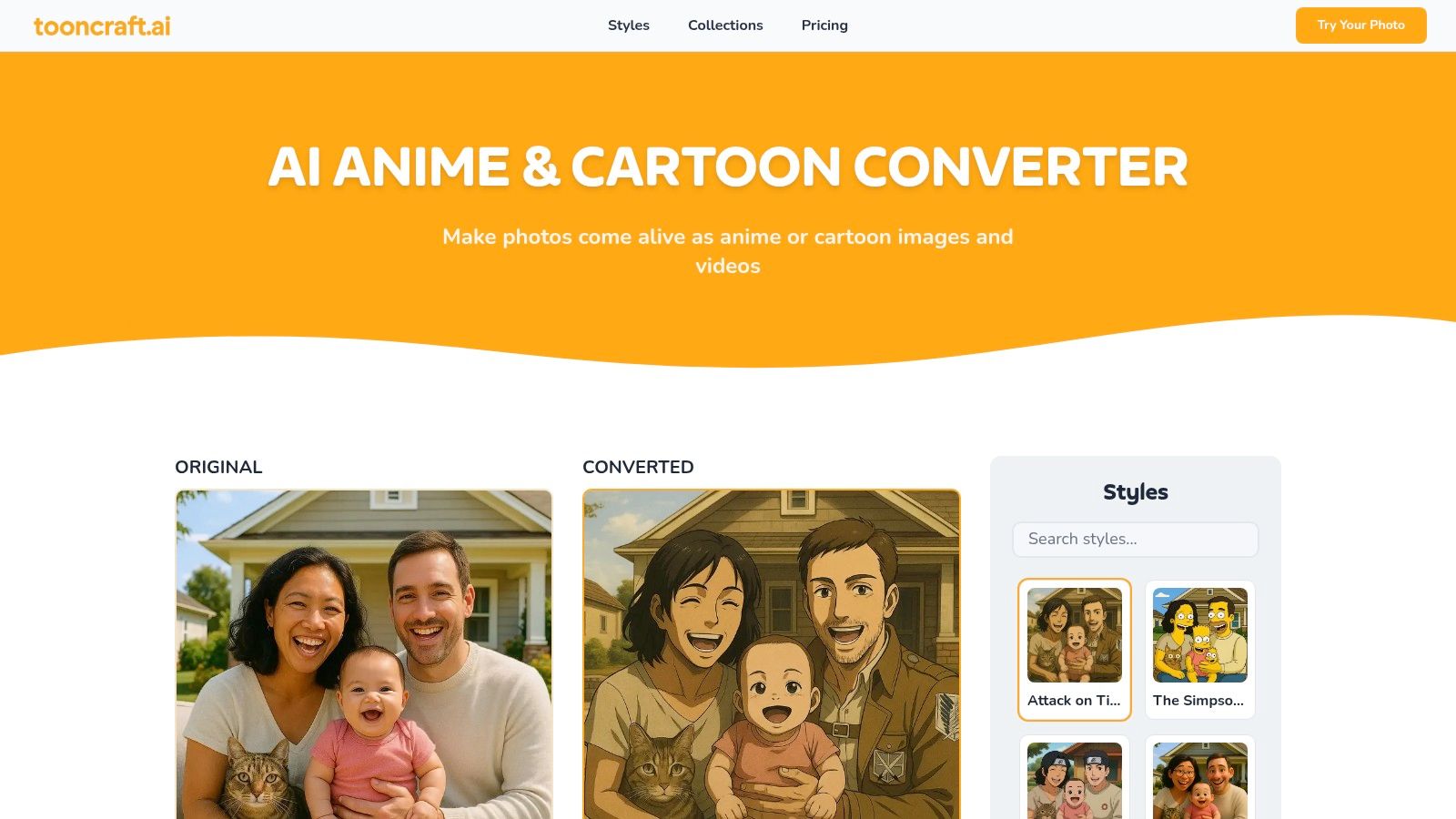
Unlike general-purpose image editors, Tooncraft focuses exclusively on cartoon and anime conversion, offering over 50 distinct styles. A key feature is its ability to maintain character consistency across multiple images, making it perfect for creating coherent visual stories or brand assets. The platform operates on a credit-based system with non-expiring credits, which is great for sporadic users who don't want a monthly subscription. Outputs are watermark-free, giving you full creative control.
Key Features & Ideal Use Cases
- Best For: Gamers, streamers, influencers, and brands wanting to create a unique, animated aesthetic for their profile pictures, thumbnails, and promotional content.
- Core Features:
- 50+ Art Styles: A wide selection of anime and cartoon filters to match your desired aesthetic.
- Consistent Character Rendering: AI ensures your character or mascot looks the same across different generated scenes and poses.
- Video Conversion: Apply the same cartoon effects to short video clips for animated intros or social media stories.
- Watermark-Free Outputs: All generated images and videos can be used without any platform branding.
| Plan | Price | Key Highlight |
|---|---|---|
| Starter Pack | $9.99 (one-time) | 100 credits for casual users and experimentation. |
| Creator Pack | $19.99 (one-time) | 250 credits with priority rendering for more frequent use. |
| Pro Pack | $39.99 (one-time) | 600 credits with parallel processing for power users. |
Website: https://tooncraft.ai
Top 12 Social Media Content Creation Tools — Feature Comparison
| Product | Core features | UX / Quality | Price / Value | Target & USP |
|---|---|---|---|---|
| Tooncraft, Inc. 🏆 | AI image + video conversion; 50+ franchise styles; parallel processing; pose/expression libraries | ★★★★★ Accurate, consistent characters across scenes | 💰 Starter $3.99 · Value $9.99 · Power $24.99 (credits never expire) | 👥 Creators, streamers, brands · ✨ Franchise-style variety, watermark-free, merch integration |
| Canva | Templates, 25+ AI tools, stock assets, brand kits | ★★★★ Very fast for non-designers; strong collaboration | 💰 Free + Pro / Business tiers | 👥 Small teams, marketers · ✨ Huge template & asset library |
| Adobe Express | Templates + Firefly AI, Adobe Stock access, brand kits, scheduler | ★★★★ Tight Adobe app integration; reliable assets | 💰 Free · Premium · Firefly Pro | 👥 Creators who use Adobe tools · ✨ Firefly commercial-safe AI |
| CapCut | Short-form editor, AI captions, background removal, motion tracking, templates | ★★★★ Powerful free tier for vertical/social video | 💰 Free + region-specific Pro options | 👥 TikTok/Reels creators · ✨ Vertical templates & cross-device sync |
| Descript | Transcript-based editing, Overdub voice cloning, Studio Sound, captions | ★★★★ Fast for talking-heads, podcasts, clips | 💰 Free + Paid plans | 👥 Podcasters, educators, interviewers · ✨ Edit-by-text workflow |
| Kapwing | AI dubbing, multi-language lip-sync, auto-subtitles, resizer, templates | ★★★★ Strong repurposing & web collaboration | 💰 Free (watermark) · Paid (credits) | 👥 Social repurposers & teams · ✨ Multi-lang dubbing & translations |
| VEED | Subtitling/translations, recorder, brand kits, templates | ★★★ Simple, fast subtitle workflows | 💰 Free + Paid (verify AI quotas) | 👥 Creators needing subtitles/ads · ✨ Education & team features |
| InVideo | Prompt-to-video, stock assets, templates, captions, avatars | ★★★ Quick idea-to-draft for short ads | 💰 Free (limited/ watermarked) · Paid tiers/credits | 👥 Marketers & short-form creators · ✨ Prompt-to-video generation |
| Envato Elements | Unlimited downloads: templates, music, fonts, video assets; commercial license | ★★★★ Excellent asset value for frequent users | 💰 Subscription (unlimited downloads) | 👥 Agencies, power users · ✨ Massive library + simple licensing |
| Placeit by Envato | Mockups, video/logo templates, in-browser editor | ★★★★ Fast polished mockups & promos | 💰 Subscription or per-item | 👥 Non-designers, merch sellers · ✨ Ready-to-edit mockups & intros |
| Buffer | Scheduling, AI caption ideas, visual calendar, integrations | ★★★★ Reliable posting & basic analytics | 💰 Free tier + per-channel pricing | 👥 Social managers, agencies · ✨ Scheduling, workflows & integrations |
Choosing Your Creative Co-Pilot
And there you have it: a deep dive into the dynamic world of social media content creation tools. We’ve journeyed through everything from all-in-one design platforms like Canva and Adobe Express to specialized video editors like CapCut and Descript, and even unique visual generators like Tooncraft. The sheer number of options can feel overwhelming, but the goal isn't to master them all. The real objective is to find your perfect creative co-pilot, or more likely, your trusted crew.
The biggest takeaway is that a "one-tool-fits-all" approach is rarely the most effective. The modern content creator's workflow is a mosaic, artfully combining the strengths of different platforms to produce standout content efficiently. Your ideal toolkit is deeply personal, shaped by your unique brand voice, your audience's preferences, your budget, and how much time you can invest.
Building Your Personalized Content Stack
Think of this process less like shopping for a single solution and more like assembling a custom toolkit. To find the right combination of social media content creation tools for your needs, start by asking yourself a few key questions:
- What's my primary content format? If you're a streamer or YouTuber, a powerful video editor like VEED or Kapwing is non-negotiable. If your brand relies on stunning graphics and carousels, Canva or Adobe Express will be your daily drivers.
- What is my unique visual identity? Do you need a consistent brand aesthetic? Tools with brand kits are essential. Or do you want a truly unique, stylized look? This is where a specialized tool like Tooncraft shines, allowing you to generate custom avatars, mascots, and character art that no one else has.
- How much time can I dedicate to creation? If you're a solopreneur or a busy parent, efficiency is paramount. Look for tools with extensive template libraries (Placeit, Envato Elements) and AI-powered features (Descript, InVideo) to accelerate your workflow.
- What's my budget? Many of these tools offer robust free tiers. Start there! Test the waters and only upgrade when you consistently hit a feature paywall that’s hindering your growth. A smart strategy is to invest in one or two core paid tools and supplement them with the best free options available.
An Example Workflow in Action
Imagine you're a family vlogger. Your content creation process could look something like this:
- Character Creation: You use Tooncraft to create adorable cartoon versions of each family member for your channel's branding, profile pictures, and video thumbnails.
- Video Editing: You upload your raw footage to CapCut on your phone, using its auto-captioning and trending effects to create an engaging short-form video for TikTok and Instagram Reels.
- Graphic Design: You then hop into Canva to place your Tooncraft character onto a pre-made YouTube thumbnail template, adding your video title and branding elements.
- Scheduling: Finally, you upload the finished video and thumbnail to Buffer to schedule it for the optimal posting time, ensuring maximum reach without having to be online.
This multi-tool approach leverages the best features of each platform, creating a highly efficient and effective system.
The key is to experiment. Almost every tool on this list offers a free trial or a comprehensive free plan. Dedicate some time to play around. See which interface feels most intuitive to you. Discover which features genuinely spark joy and creativity. The right set of social media content creation tools won't just be software; they'll become extensions of your imagination, empowering you to connect with your audience in more meaningful and visually compelling ways.
Ready to create a truly unique and unforgettable brand identity? Start by crafting the perfect visual anchor with Tooncraft, Inc. Stop using generic stock photos or complicated design software and generate custom, studio-quality characters, avatars, and mascots in any style imaginable. Visit Tooncraft, Inc. to bring your creative vision to life today